How to stop collaborators from creating new share links in Airtable
Here is how to stop collaborators from creating new share links in airtable
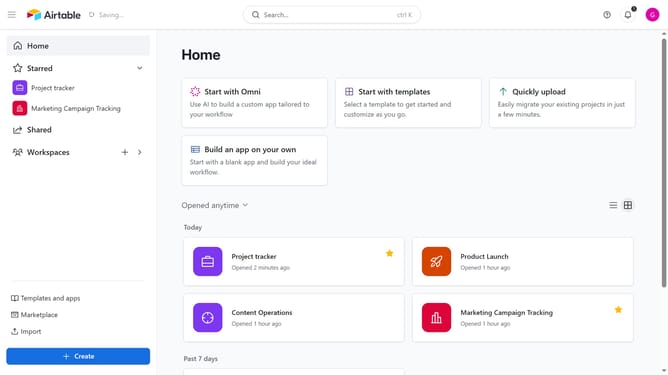
- First navigate to your home screen and click on the profile picture in the top-right corner of the header
- Next click on "Account" option in the dropdown menu
- Then select the workspace where you want to stop collaborators from creating new share links
- Under Workspace sharing restrictions, toggle on the "Prevent the creation of new share links within this workspace's bases and interfaces"
Why should you stop collaborators from creating new share links in Airtable
Airtable is a versatile platform designed to streamline and enhance collaboration through dynamic, customizable databases.
One important feature in Airtable is the ability to control who can create new share links, a useful tool for managing content distribution.
Empowering yourself to restrict share link creation ensures that only authorized users define how and with whom data is shared, maintaining the integrity and confidentiality of your information.
This control is essential in preserving your workflow's security, providing you peace of mind while optimizing collaborative efforts.
Last update