How to invite collaborators to a workspace using an invite link in Airtable
Here is how to invite collaborators to a workspace using an invite link in airtable
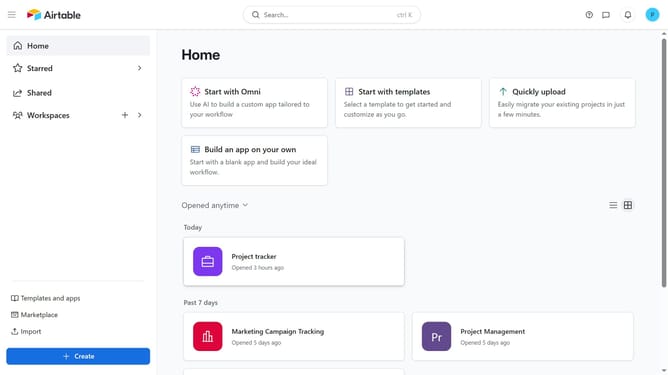
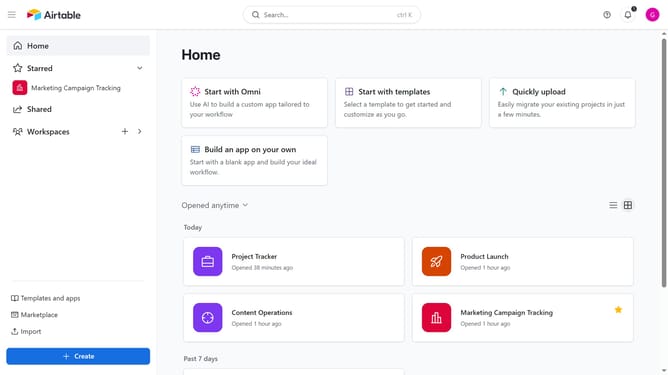
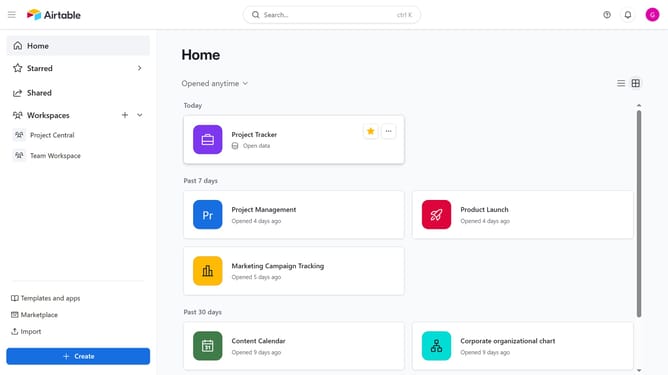
- First navigate to your Airtable home screen
- Next click on the workspace you want to share in the left sidebar
- Click on the "Share" button in the top right corner
- Then click on "Invite links" in the share dialog
- Click the permission dropdown
- Select the permission level for the link from the permission options
- Under “Who can access,” choose either any email address or only specific emails
- Then click the "Create invite link" button to generate the link
- Finally, click "Copy link" to copy the invitation link and share it with the collaborators you want to grant access
Why should you invite collaborators to a workspace using an invite link in Airtable
Airtable is a versatile platform that combines the simplicity of a spreadsheet with the power of a database.
Inviting collaborators to your workspace using an Airtable invite link streamlines the process of teamwork. Simply share an invite link, and let your collaborators join with ease, fostering seamless communication.
This feature enhances efficiency, making it effortless for teams to come together, share insights, and drive projects forward with synchronized efforts. The convenience of this method truly supports dynamic collaboration.
Last update