How to manage workspace AI permissions in Airtable
Here is how to manage workspace ai permissions in airtable
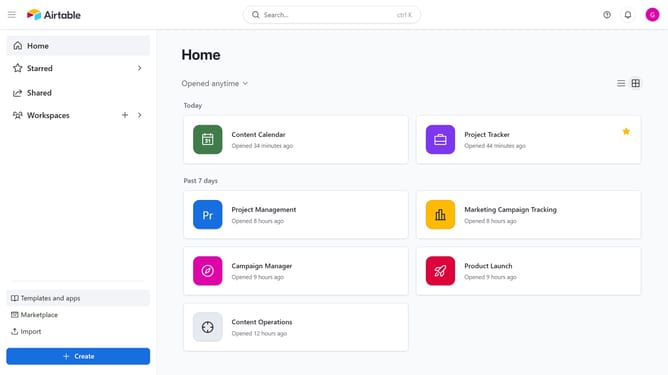
- First navigate to your home screen and click on the profile picture in the top-right corner of the header
- Then click on "Account" option in the dropdown menu
- In the left sidebar, select the workspace where you want to manage AI permissions
- Next, locate the "Workspace AI permissions" section
- From here, you can toggle "Turn on Airtable AI for all bases" to enable or disable AI, and “Get early access to new Airtable AI features” to join or leave early access
Why should you manage workspace AI permissions in Airtable
Airtable is a versatile platform that combines the simplicity of a spreadsheet with the power of a database.
Managing workspace AI permissions in Airtable ensures that team members have the right level of access to AI functionalities, enhancing workflow efficiency.
This feature allows seamless collaboration while safeguarding sensitive data, promoting a structured and secure environment.
By customizing AI permissions, teams can optimize their operations, empowering users to focus on creative problem-solving without concerns over access limitations.
Last update