How to favorite a view in Airtable
Here is how to favorite a view in airtable
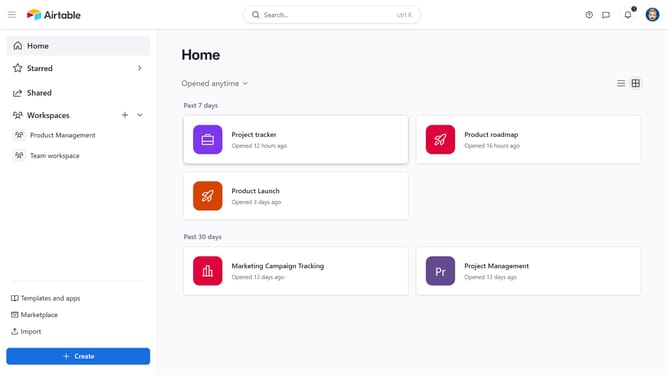
- First click on a base from the Airtable home screen
- Next open the table where the view is located
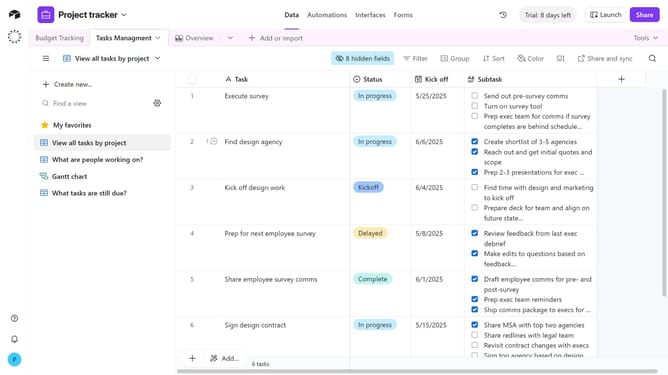
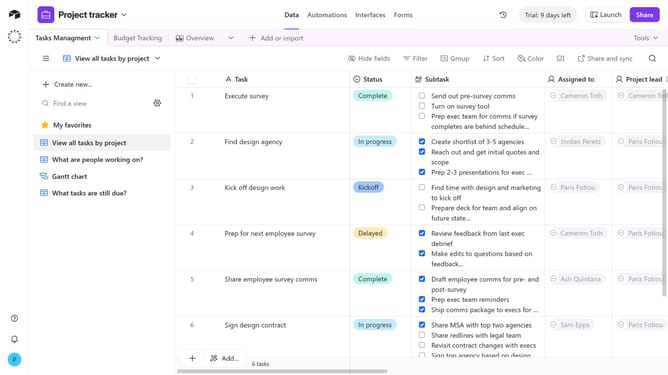
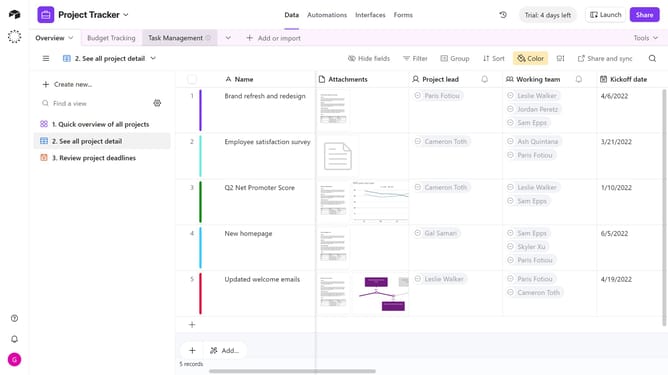
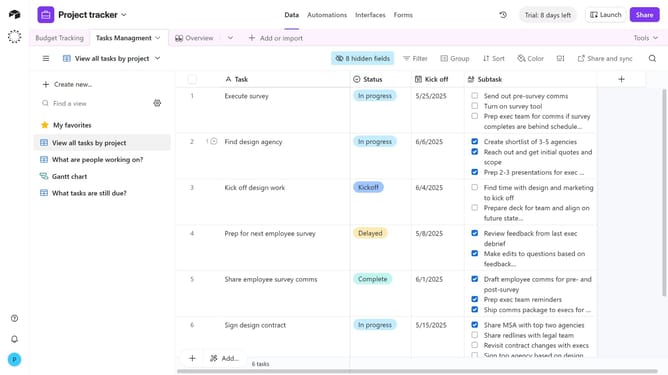
- Locate the view you want to favorite in the list of views in the view sidebar
- Then hover over the view name and click on the more options menu (three dots) next to it
- Finally click on "Add to 'My favorites'" option in the dropdown menu
Why should you favorite a view in Airtable
Airtable is a versatile platform designed to streamline your project management with a flexible and intuitive interface.
Favoriting a view in Airtable allows you to access your most important data layouts quickly, fostering a more efficient workflow.
This feature is particularly beneficial for users who frequently juggle multiple views or collaborate within teams, ensuring that your go-to information is always just a click away.
Utilizing favorites, prioritizes clarity in your workspace, maximizing productivity and saving you valuable time in your daily tasks.
Last update