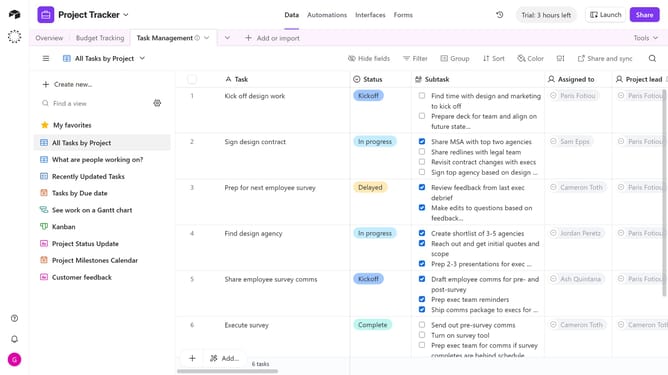
How to remove a group from a view in Airtable
Here is how to remove a group from a view in airtable
- First, navigate to a base and open the table where the view is located
- Next, open the view sidebar and select the view that contains the group you want to remove
- Click on the “Group” button in the view toolbar
- In the grouping options panel, locate the group condition you want to remove
- Finally click on "Remove group" button next to the group
- The selected group will be removed from the view, and the records will no longer be grouped by that field
Why should you remove a group from a view in Airtable
Airtable offers a flexible platform for organizing anything from projects to personal tasks with ease.
Removing a group from a view in Airtable helps keep your workspace clutter-free and streamlined. This feature allows users to focus on what's most important by eliminating unnecessary groupings that may distract from key information.
This feature is particularly beneficial for large teams collaborating across various projects, as it empowers them to customize their views for increased productivity and clarity.
Last update