How to assign users to a user field in Airtable
Here is how to assign users to a user field in airtable
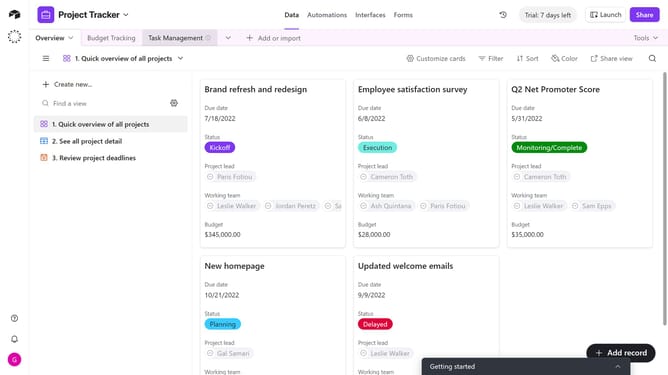
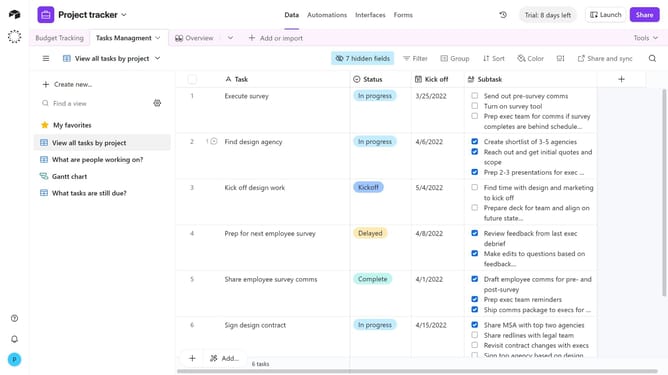
- First, navigate to your preferred base and open the table containing the user field
- Next click on the cell under the User field for the record you want to assign a user
- From the dropdown, select one or more users who already have access to the base
- To add a new user, click “Invite a new user” at the bottom of the dropdown
- Enter their email address in the email input field
- Under the “Invite as” section, choose either Base collaborator or Workspace collaborator
- Then click on the "Permissions" dropdown menu
- Select your preferred user permissions from the dropdown list
- Finally click the "Send invite and add to record" button
Why should you assign users to a user field in Airtable
Airtable seamlessly blends the functionality of a spreadsheet with advanced database features for versatile project management.
Assigning users to a user field in Airtable enhances collaboration by clearly defining team responsibilities. This intuitive feature allows you to designate tasks and streamline communication, ensuring everyone knows their role and stays aligned with project goals.
By assigning users to specific tasks, you optimize team productivity and maintain a clear overview of progress. This empowers teams to work more efficiently, reducing miscommunication and fostering a transparent work environment.
Last update