How to prevent new share link creation in Airtable
Here is how to prevent new share link creation in airtable
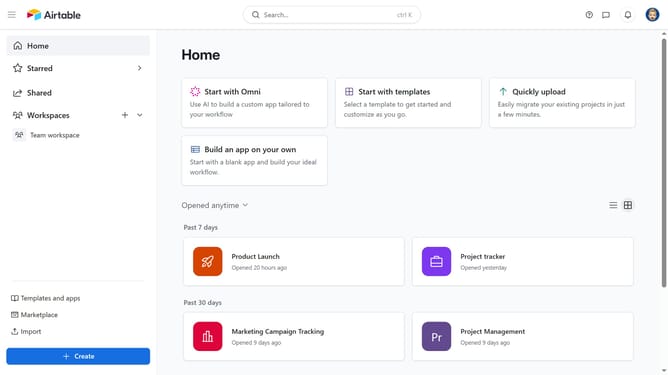
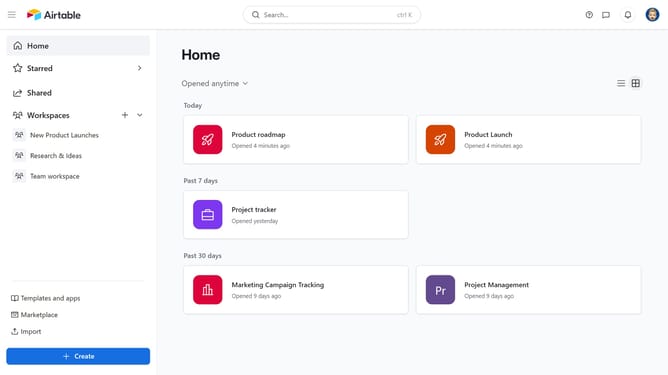
- First navigate to your home screen and click on the profile picture in the top-right corner of the header
- Next click on "Account" option in the dropdown menu
- Then select the workspace where you want to stop collaborators from creating new share links
- Under Workspace sharing restrictions, toggle on the "Prevent the creation of new share links within this workspace's bases and interfaces"
Why should you prevent new share link creation in Airtable
Airtable is a versatile platform that combines the simplicity of a spreadsheet with the power of a database to organize anything.
The feature of preventing new share link creation in Airtable enhances security by controlling access to your data. It empowers teams to maintain confidentiality by ensuring that only authorized users can view or edit sensitive information.
This feature is crucial for businesses aiming to protect proprietary data while collaborating effectively. It offers peace of mind by minimizing unauthorized data dissemination and ensuring compliance with privacy standards.
Last update