How to turn on Airtable AI for all bases in a workspace
Here is how to turn on airtable ai for all bases in a workspace
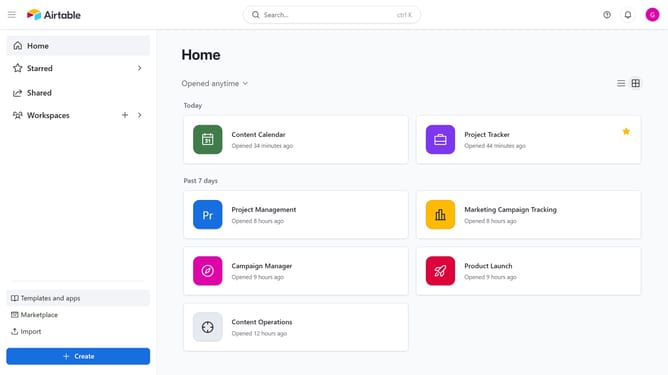
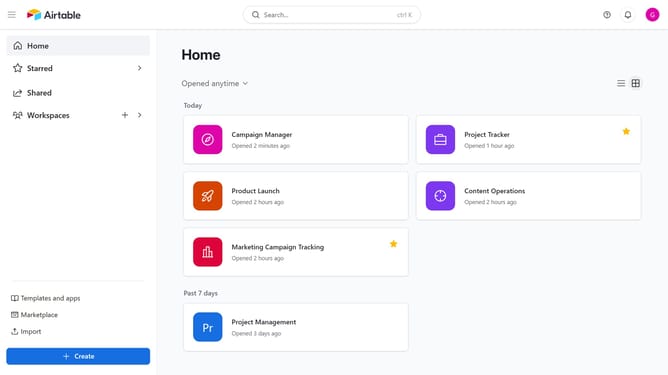
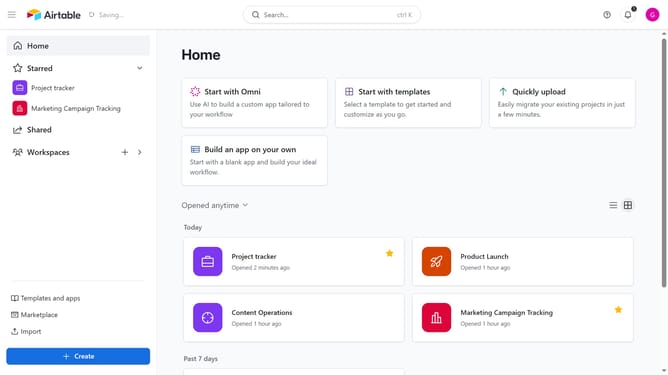
- First navigate to your home screen and click on the profile picture in the top-right corner of the header
- Next click on "Account" option in the dropdown menu
- In the left sidebar, select the workspace where you want to enable Airtable AI
- Under the Workspace AI permissions section, click the toggle next to "Turn on Airtable AI for all bases within this workspace" to enable it
- Finally click "Continue" button in the AI permissions confirmation dialog
Why should you turn on Airtable AI for all bases in a workspace
Airtable is a versatile platform designed to empower users with the ability to easily create custom databases and collaborate effectively.
Turning on Airtable AI for all bases in a workspace optimizes data management by automating repetitive tasks and enhancing decision-making through intelligent insights.
This feature fosters a more productive environment by reducing manual efforts and allowing teams to focus on creative solutions and strategic growth.
Moreover, it accelerates project execution with smart recommendations, making workflows more seamless and efficient.
Last update