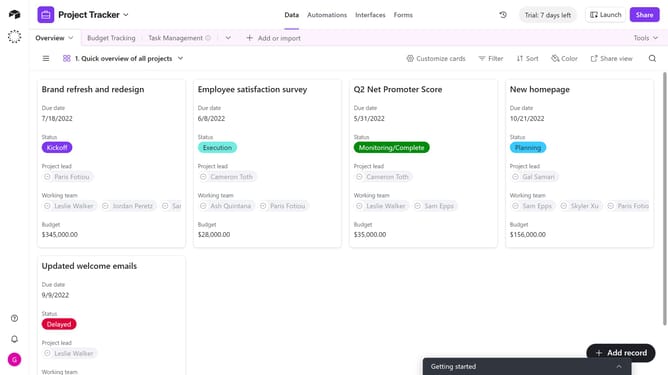
How to restore a deleted view in Airtable
Here is how to restore a deleted view in airtable
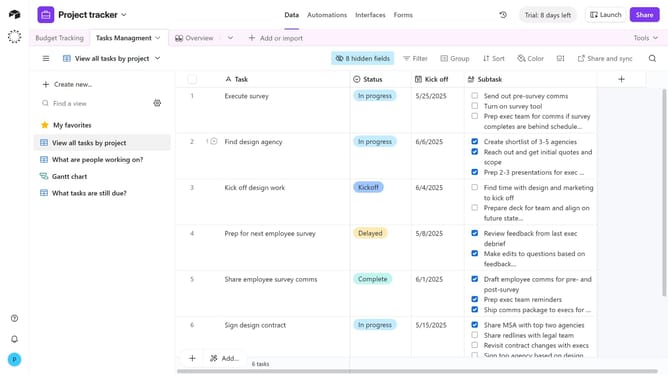
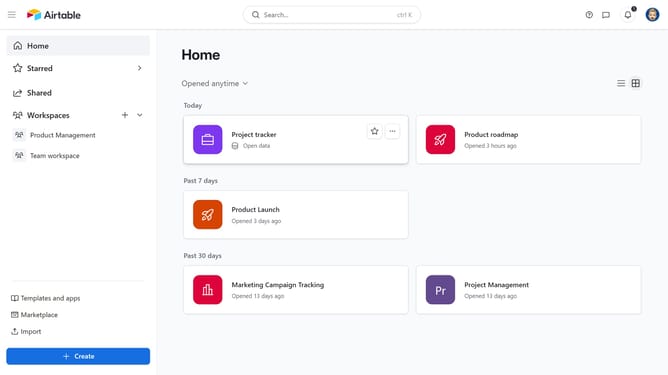
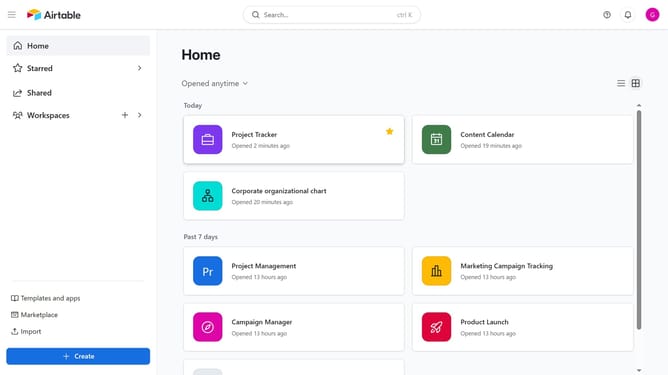
- First click on a base from the Airtable home screen
- Next click on the "Base history" menu option in the top navigation bar
- Click on the "Trash" option from the history dropdown menu
- In the trash panel, find the deleted view you want to restore from the list
- Finally click on the "Restore" button next to the deleted view
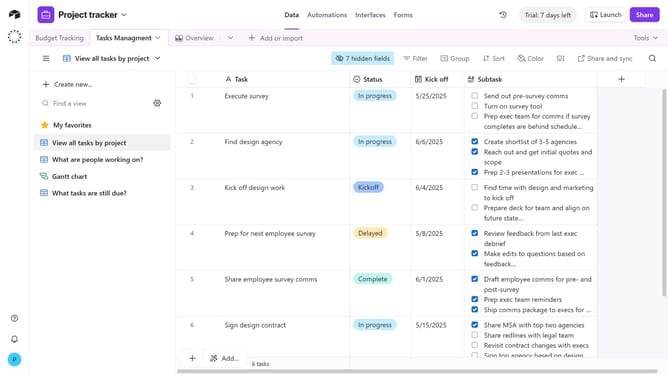
- The restored view will now reappear in your Views sidebar with its previous configuration
Why should you restore a deleted view in Airtable
Airtable is a versatile platform that combines the functionality of a database with the simplicity of a spreadsheet to help teams organize anything.
Restoring a deleted view in Airtable is a valuable feature that enhances flexibility and peace of mind for users managing complex projects.
This capability ensures that accidental deletions aren't permanent, allowing teams to quickly recover critical data without disrupting workflows.
By offering this safety net, Airtable empowers users to work with confidence and focus on productivity, knowing that their valuable views can be effortlessly restored if needed.
Last update