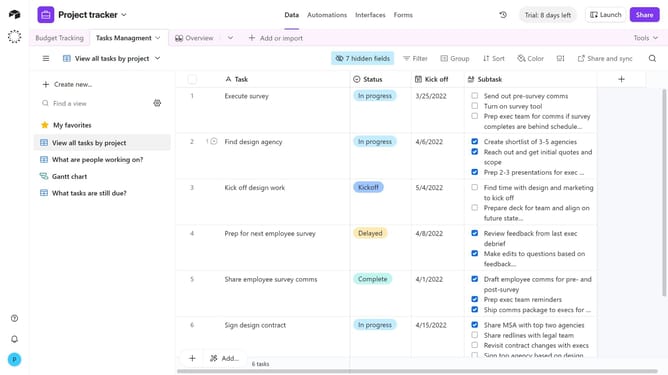
How to add a multiple select field in Airtable
Here is how to add a multiple select field in airtable
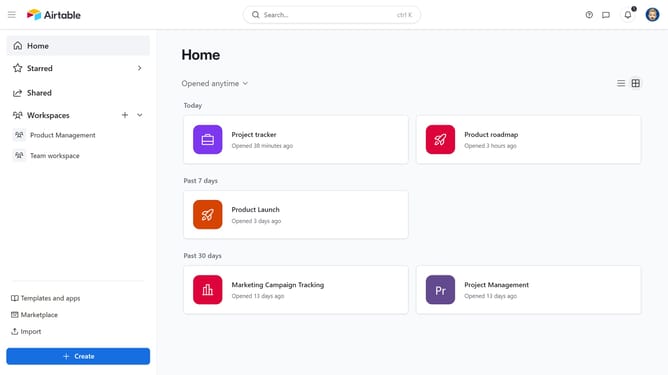
- First, navigate to your preferred base and open the table where you want to add a new field
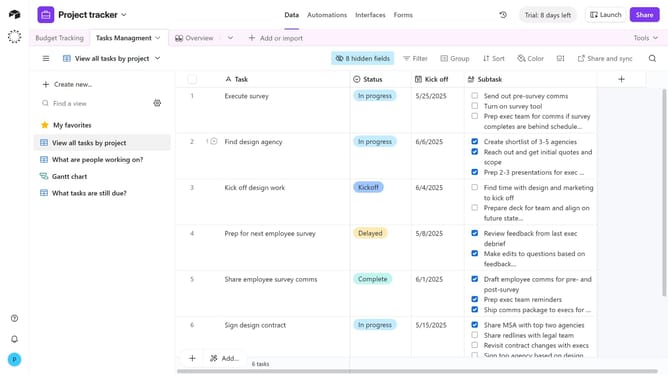
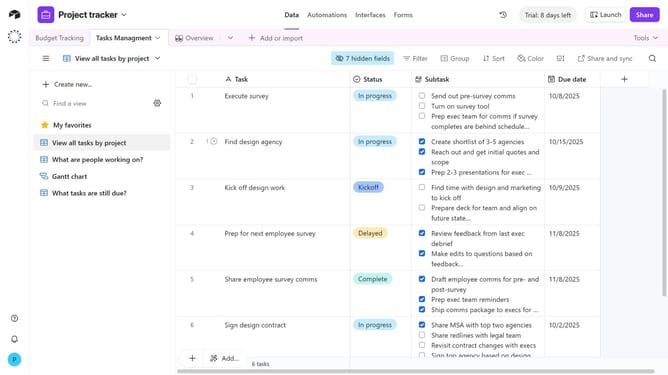
- Next, click the “+” button in the top-right corner of the table columns
- Then, select “Multiple select” from the field type dropdown menu
- Enter a name for your field in the field name input
- Next click on "Add option" and enter your preferred options name
- You can also toggle ON/OFF color-code options and alphabetic sorting
- Finally click the "Create field" button to create the new field
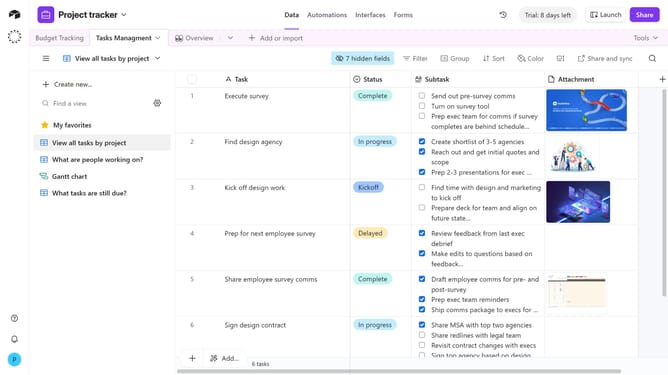
- Your new multiple select field is now be available, and you can choose one or more options per record
Why should you add a multiple select field in Airtable
Airtable is a versatile platform that combines the features of a spreadsheet and a database to empower users in organizing information efficiently.
Introducing a multiple select field in Airtable enhances data management by allowing users to choose more than one option from a predetermined list. This capability is particularly useful for categorizing or managing data points where multiple attributes or statuses might apply.
Utilizing this feature can simplify complex data relationships and improve clarity, ensuring that users can capture all relevant details with precision and ease.
Last update