How to open the extensions dashboard in fullscreen mode in Airtable
Here is how to open the extensions dashboard in fullscreen mode in airtable
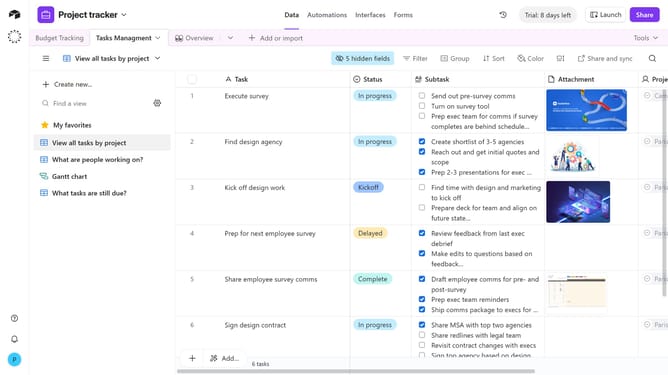
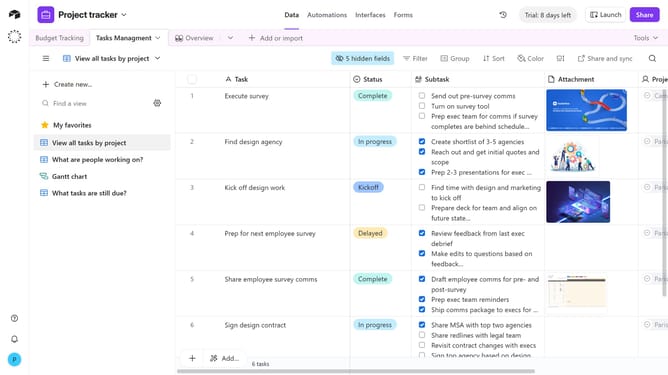
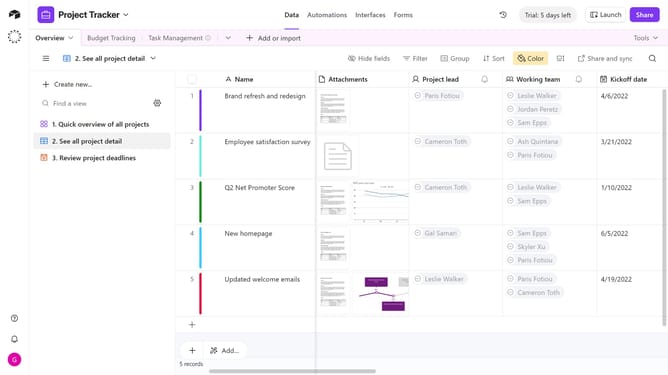
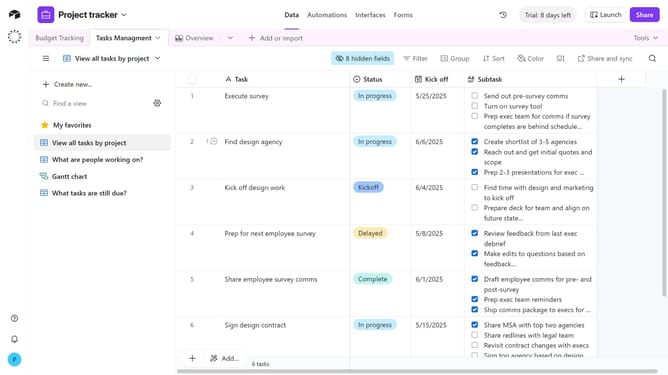
- First, open the base where the extension is located
- Next click on the "Tools" dropdown menu in the top-right corner of the base
- Click on the "Extensions" option from the tools menu to open the extensions panel
- Then click on the expand icon in the top-right corner of the extensions panel
- Finally you will now view the extensions dashboard in fullscreen mode
Why should you open the extensions dashboard in fullscreen mode in Airtable
Airtable seamlessly blends a spreadsheet's simplicity with the power of a database to enhance collaboration and data organization.
Opening the extensions dashboard in fullscreen mode within Airtable allows users to engage more deeply with extensive datasets or complex workflows. This feature stands out for its ability to maximize visibility, facilitating a clear and undistracted view of your project extensions.
By leveraging this expanded view, you can manage and interpret data more effectively, driving enhanced productivity and precision in your workflows.
Last update