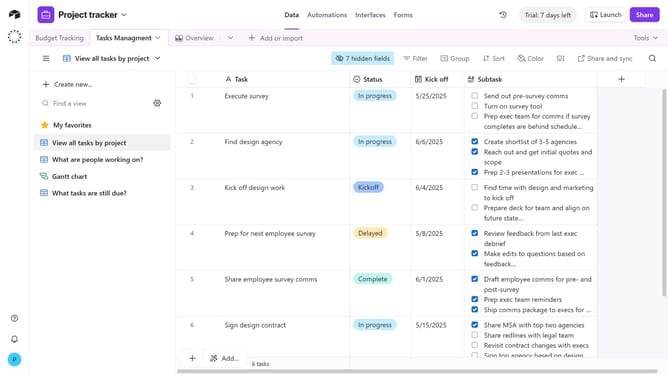
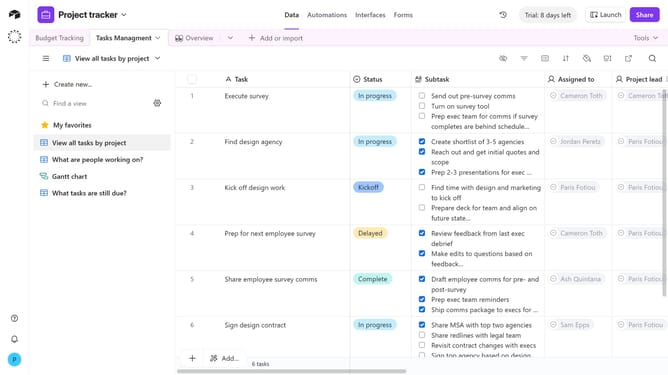
How to delete an attachment in Airtable
Here is how to delete an attachment in airtable
- First navigate your preferred base and open the table with an attachment field
- Locate the record with the attachment you want to remove
- Next click on the "Expand" button next to the record
- Then hover over the file name at the bottom of the record in the details modal
- Finally click on the "Remove attachment" button that appears
- The attachment will now be removed from the record
Why should you delete an attachment in Airtable
Airtable is a dynamic platform that blends the functionalities of a spreadsheet with the power of a database, perfect for managing data efficiently.
Deleting an attachment in Airtable is a straightforward feature that enhances data management capabilities.
Removing unnecessary attachments helps in minimizing clutter and ensures that your database remains streamlined and focused.
This feature not only optimizes storage space but also enhances the organization, making the retrieval of relevant information faster and more efficient.
Last update