How to show field dependencies in Airtable
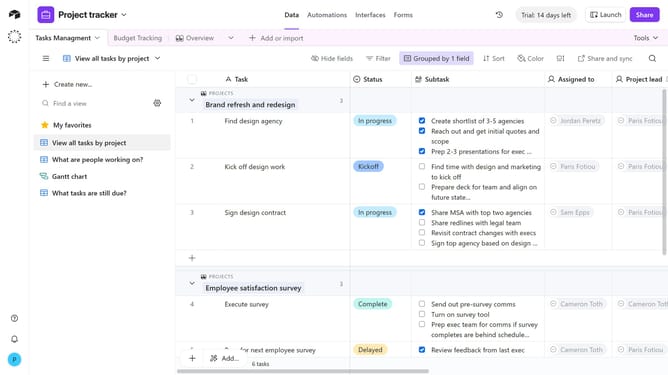
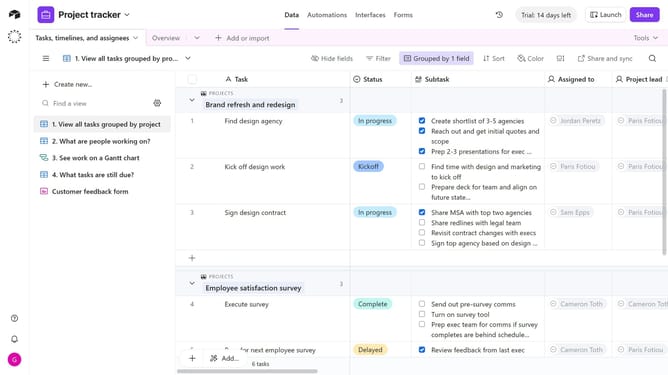
Here is how to show field dependencies in airtable
- First, navigate to your base and open the table where the field is located
- Next, locate the field whose dependencies you want to view
- Click on the field name to open the dropdown menu
- Then select "Show dependencies" option from the dropdown menu
- A panel will open showing which fields, formulas, or views depend on the selected field
Why should you show field dependencies in Airtable
Airtable is a versatile platform designed to streamline project management and enhance organizational efficiency.
Understanding field dependencies in Airtable can transform how you visualize and manage relationships between fields. This feature allows insights into how one field's value can dynamically influence another, streamlining processes further.
Having clarity on field dependencies ensures data integrity and consistency across your database, empowering teams to make informed decisions with confidence.
Last update