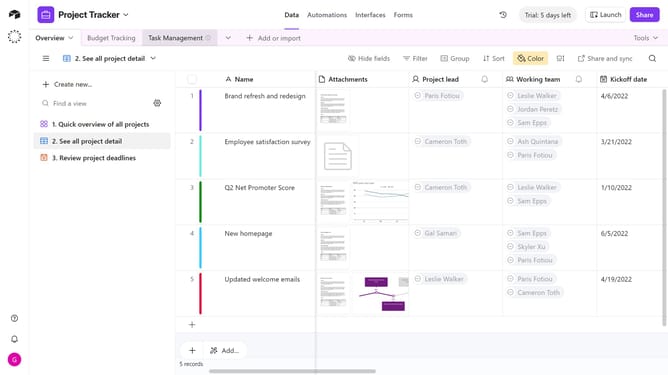
How to search views in Airtable
Here is how to search views in airtable
- First navigate to a base and open the table where you want to search for a view
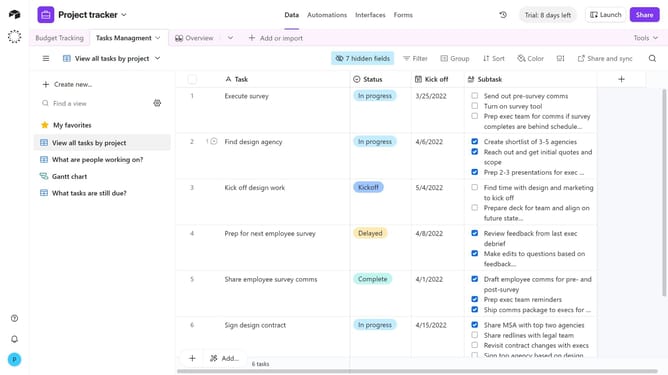
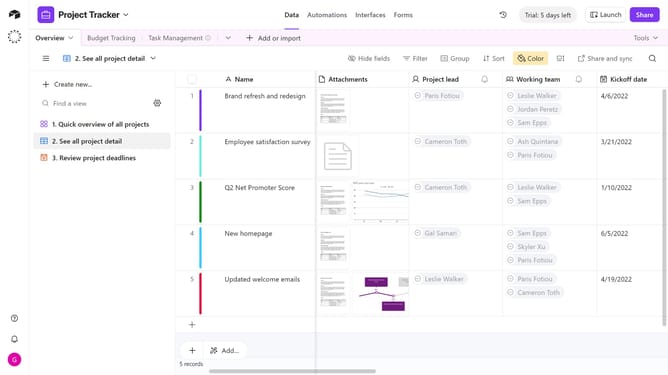
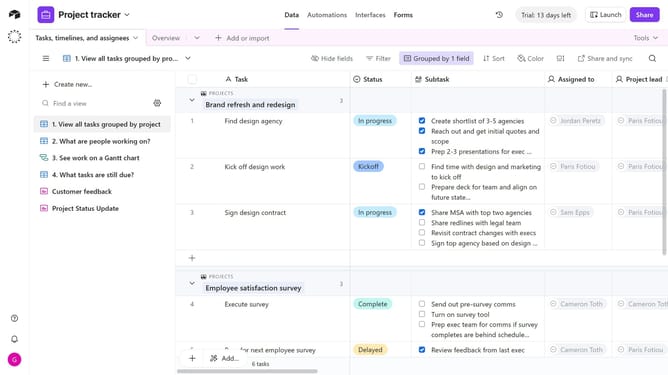
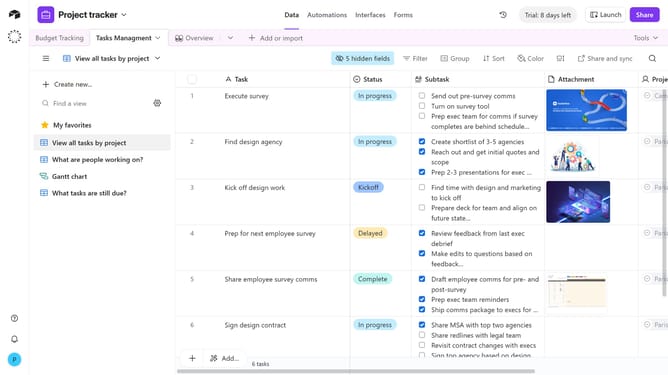
- Next click the view icon at the top-left corner of the table to open the view sidebar
- Click on the "Find a view" search field and type in the name or keyword of the view you are looking for
- Airtable will display both exact and fuzzy matches for your search term
- Finally click on the desired view from the search results to open it
Why should you search views in Airtable
Airtable is a versatile platform that combines the power of a database with the simplicity of a spreadsheet, designed for seamless collaboration and organization.
Searching views in Airtable streamlines your data analysis by allowing you to quickly locate specific information. This feature enhances productivity by reducing the time spent manually sifting through data layers.
Utilizing the search views feature enriches team collaboration, enabling users to effortlessly access relevant data, crucial for informed decision-making.
Overall, searching views in Airtable ensures a more efficient and focused approach to managing your projects and tasks.
Last update