How to embed a view in Airtable
Here is how to embed a view in airtable
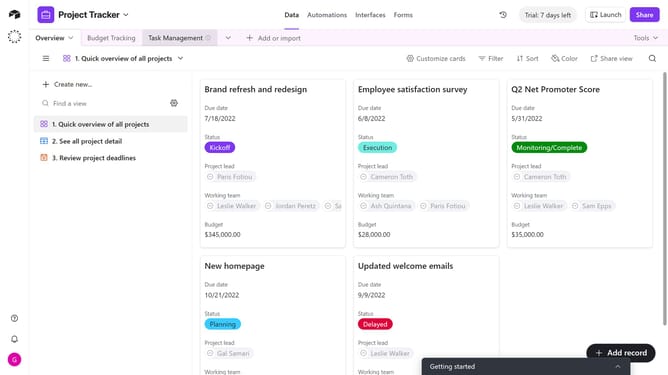
- First, navigate to the base and open the table that contains the view you want to embed
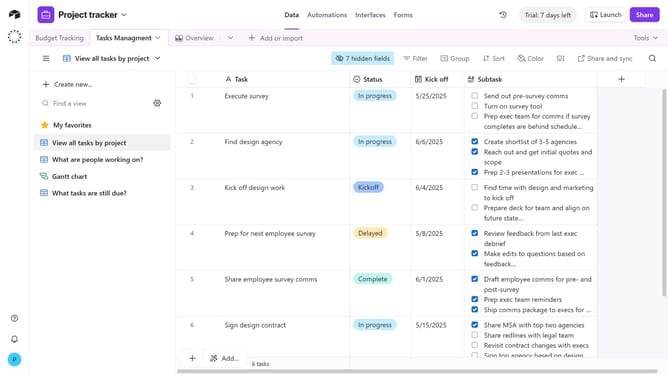
- Open the view sidebar and select the view you want to embed
- Next click on "Share and sync" button in the top toolbar
- Select "Embed this view" option from the dropdown menu
- A preview of the embedded view appears showing both desktop and mobile versions
- Then click the "Copy embed code" button in the top right
- Finally paste the embed code into your site’s editor
Why should you embed a view in Airtable
Airtable is a versatile platform that empowers users to organize and manage data effortlessly.
The feature of embedding a view in Airtable allows users to share specific portions of their database within websites or other platforms seamlessly.
This capability enhances collaboration by enabling others to access real-time information without requiring direct access to the entire database.
By sharing tailored views, teams can ensure clarity and focus, making data-driven decisions faster and more efficiently.
Last update