How to add a created time field in Airtable
Here is how to add a created time field in airtable
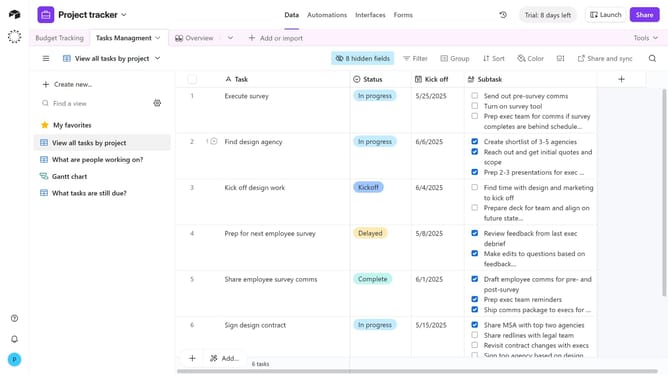
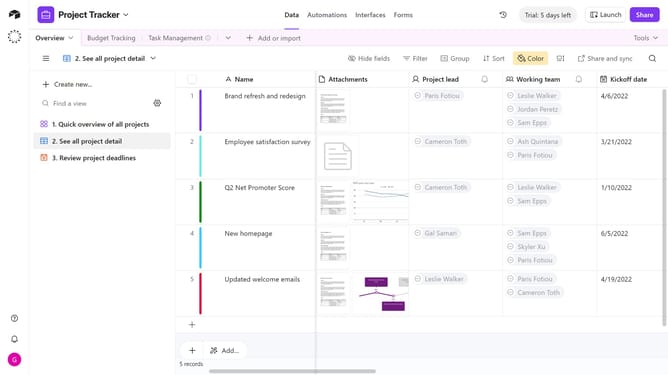
- First navigate your preferred base and open the table where you want to add the created time field
- Next click on the plus (+) icon in the top right corner of your table columns
- Then search for and select "Created time" in the field type dropdown menu
- Enter a name for your field in the field name input box
- Next you can can select the date format, opt to include the local time, use the same time zone for all collaborators, and display the time zone
- Finally click the "Create field" button to add the Created Time field
Why should you add a created time field in Airtable
Airtable is an intuitive platform that combines the ease of a spreadsheet with powerful database functionalities.
Adding a "Created Time" field in Airtable allows users to automatically capture the date and time when a record is first created. This feature aids in tracking and managing tasks or projects efficiently by providing a historical timeline.
This function is beneficial for optimizing workflow management and maintaining a comprehensive record of all data entries, enhancing both organization and productivity.
Last update