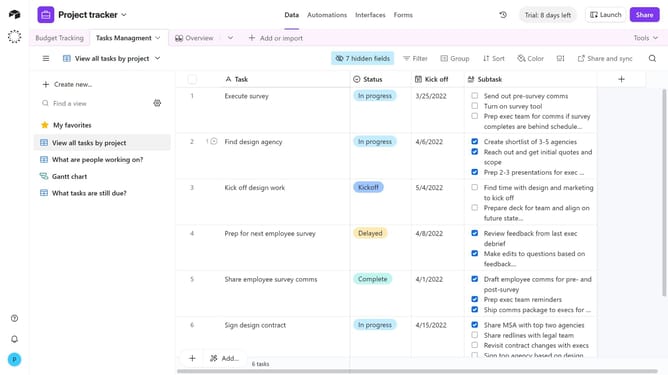
How to review trash in a workspace in Airtable
Here is how to review trash in a workspace in airtable
- First navigate to your Airtable home screen
- Next open the workspace where you want to review its trash
- Then click on the profile picture in the top right corner of the header
- Click on "Trash" option in the profile dropdown menu
- Finally the trash dialog opens, allowing users to restore items deleted in the past 30 days
Why should you review trash in a workspace in Airtable
Airtable is a powerful tool that blends the flexibility of a spreadsheet with the functionality of a database to organize anything.
One of its valuable features is the ability to review trash in a workspace. This feature ensures that no data is permanently lost by allowing users to revisit and restore previously deleted items.
With this capability, teams can confidently experiment with data configurations, knowing they can easily recover crucial information when needed.
Utilizing the trash review feature supports efficient workflow management and maintains data integrity across projects.
Last update