How to invite new collaborators to a workspace in Airtable
Here is how to invite new collaborators to a workspace in airtable
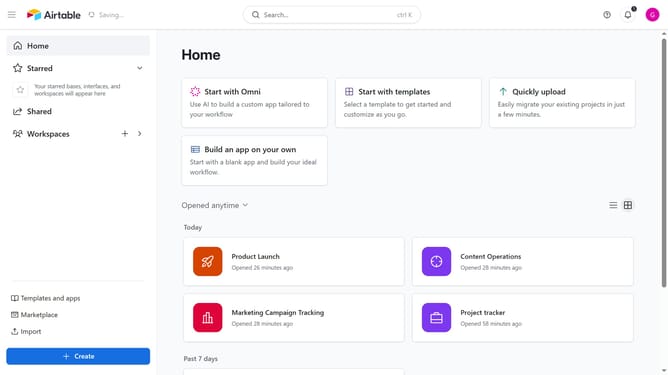
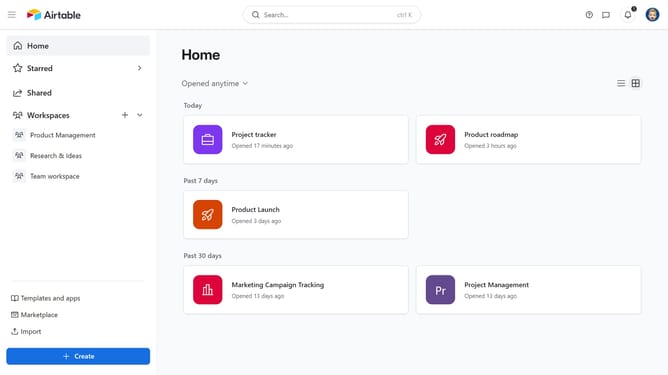
- First, navigate to your Airtable home screen
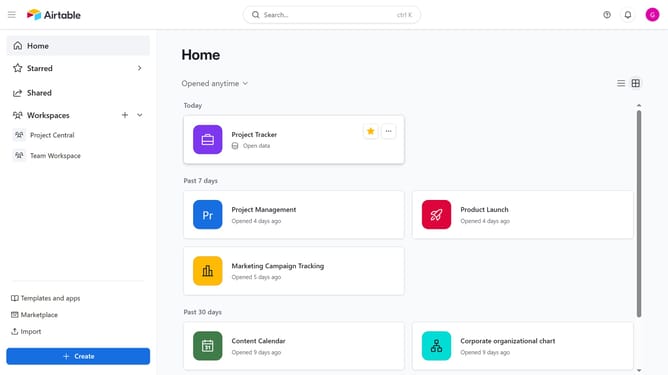
- Next, click on the workspace you want to share in the left sidebar
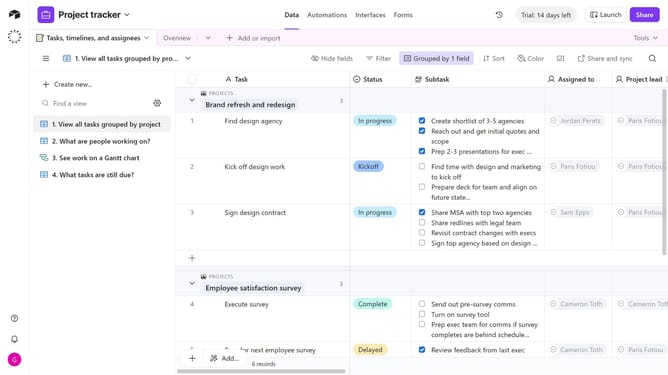
- Click the “Share” button in the top-right corner of the workspace
- Then click on the email input field and enter the email addresses of the new users you want to invite
- Then select the suggested email from the dropdown list
- Click the "Permission" dropdown button and select an appropriate access level
- Click on the "Add a message" field to include an optional message
- Finally click the "Invite" button to send the invitation
- Your collaborators will receive an email invitation to join the workspace with the selected permissions
Why should you invite new collaborators to a workspace in Airtable
Airtable is an innovative platform that combines the simplicity of a spreadsheet with the power of a database, designed for effortless collaboration and organization.
Inviting new collaborators to your workspace in Airtable enhances team efficiency by seamlessly integrating diverse talents and perspectives. This feature enables you to expand your workspace, ensuring everyone stays in the loop and can contribute effectively.
Utilizing this feature fosters a dynamic environment where sharing insights and making collective decisions become second nature. It's perfect for teams aiming for increased productivity and cohesion.
Last update