How to restrict adding new collaborators to a workspace in Airtable
Here is how to restrict adding new collaborators to a workspace in airtable
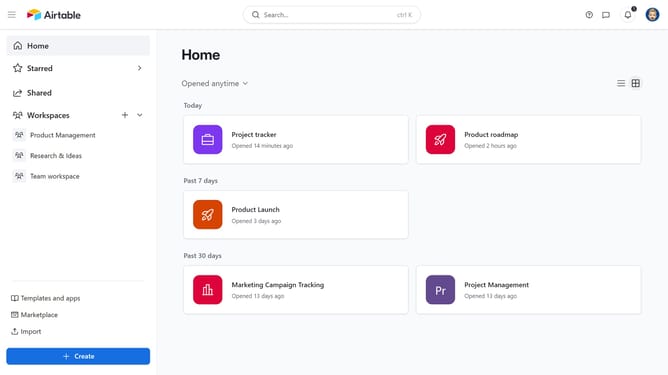
- First navigate to your home screen and click on the profile picture in the top-right corner of the header
- Next click on "Account" option in the dropdown menu
- Then select the workspace where you want to restrict adding new collaborators
- Click on "Settings" tab in the workspace settings area
- Under Workspace sharing restrictions, click the toggle next to "Restrict adding new collaborators to this workspace, its bases, and its interfaces"
Why should you restrict adding new collaborators to a workspace in Airtable
Airtable is a versatile platform designed to streamline project management and collaboration.
Restricting the addition of new collaborators to a workspace is a powerful feature that enhances control over who can access your data.
This feature helps maintain confidentiality and ensures only authorized users can influence the workflow, fostering a secure environment.
Moreover, it aids in simplifying management by reducing unnecessary user additions, ultimately improving team efficiency and focus.
Last update