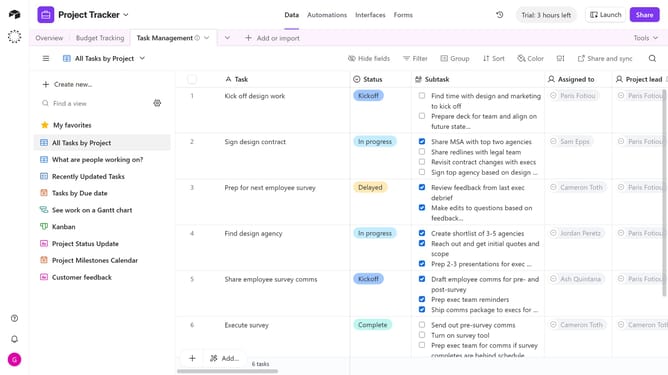
How to show hidden fields in a calendar view in Airtable
Here is how to show hidden fields in a calendar view in airtable
- First, navigate to the base and open the table containing the calendar view
- In the view sidebar, select the calendar view you want to edit
- Next click on "Customize labels" button in the toolbar
- In the customize labels dropdown, toggle on the hidden fields you want to show
- Now, the previously hidden fields are visible in your calendar view
Why should you show hidden fields in a calendar view in Airtable
Airtable seamlessly blends the functionality of a spreadsheet with the power of a database to enhance data organization.
Showing hidden fields in a calendar view in Airtable enhances project visualization. It allows users to access additional data directly within their calendar view, enriching context without cluttering the main display.
This feature aids in making informed decisions swiftly by providing a holistic view of project timelines and related data. It helps streamline operations and improve team collaboration by ensuring everyone has the complete picture.
Last update