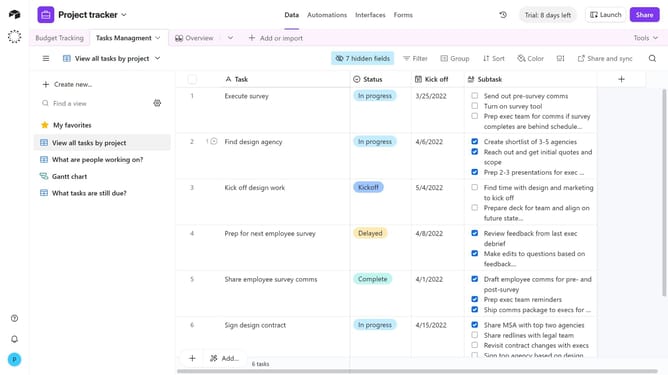
How to reorder sort conditions in a view in Airtable
Here is how to reorder sort conditions in a view in airtable
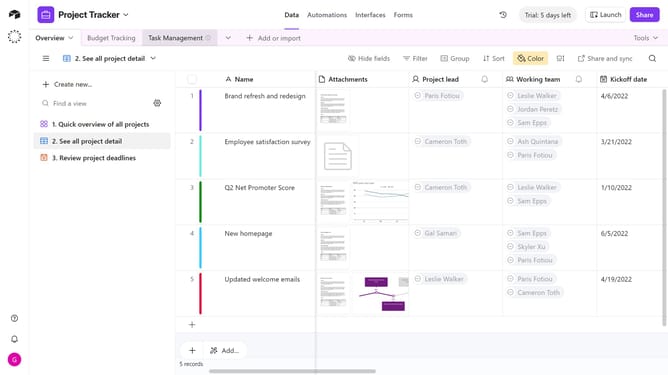
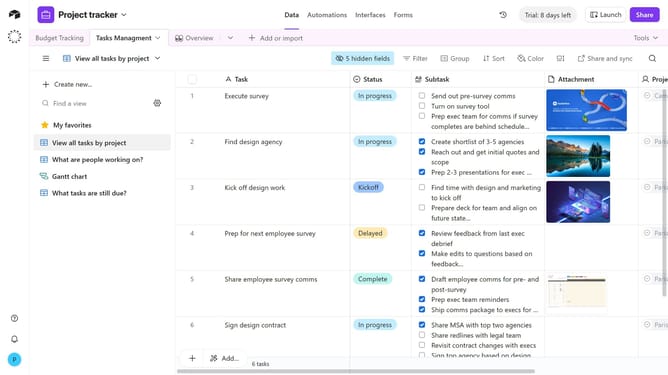
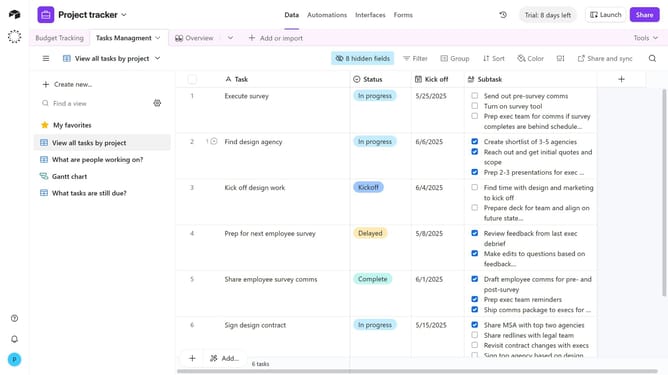
- First navigate to a base and open the table where the view is located
- Open the view sidebar and select the view that contains the sort conditions you want to reorder
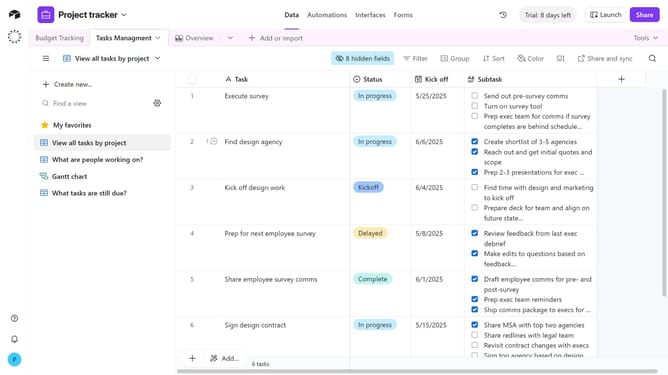
- Next click on "Sort" button in the toolbar
- In the sort options panel, locate the sort condition you want to move and click the six-dot handle next to it
- Then drag the sort condition up or down to change its order
- Finally the new order of sort conditions will be applied instantly. Repeat for other sort conditions as needed
Why should you reorder sort conditions in a view in Airtable
Airtable is a versatile platform designed to streamline data organization and collaboration for individuals and teams alike.
One of its powerful features is the ability to reorder sort conditions in a view, offering greater flexibility in how data is presented. By prioritizing specific conditions, users can ensure that the most relevant information is visible first, enhancing data insights.
This adaptive sorting mechanism not only saves time but also helps maintain focus on critical data points, ultimately powering more informed decision-making and efficient workflows.
Last update