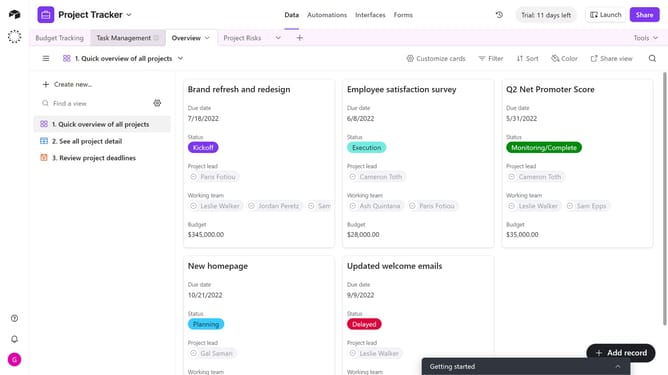
How to add a chart extension to a base in Airtable
Here is how to add a chart extension to a base in airtable
- First, open the base where you want to add the extension
- Next click on the "Tools" dropdown button in the top-right corner
- Click on the "Extensions" option in the dropdown menu
- Then click the "Add an extension" button in the extensions panel
- In the Marketplace Extensions page, click on the search field and type "Chart"
- Next, click the "Add" button next to the Chart extension
- When prompted, click the dropdown menu
- From the dropdown menu, select which dashboard to add the Chart extension to
- Finally click the "Add extension" button to confirm
- You have successfully added the Chart extension to your base. You can now set it up and use it to visualize your data
Why should you add a chart extension to a base in Airtable
Airtable is a powerful platform that acts like a versatile spreadsheet and database solution for seamless data management.
Adding a chart extension to a base in Airtable transforms raw data into dynamic visuals effortlessly. This feature allows users to visualize data patterns and trends, enhancing data interpretation and decision-making.
Chart extensions help in presenting complex data insights in an easily digestible format. As a result, teams can communicate findings more effectively and collaborate with greater efficiency.
Last update