How to create a share link for a view in Airtable
Here is how to create a share link for a view in airtable
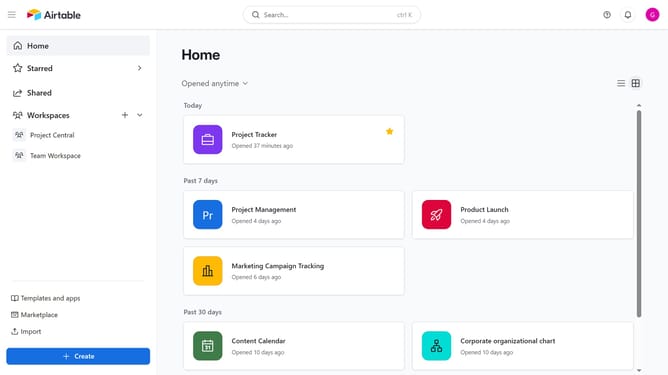
- First, navigate to your base and open the table that contains the view you want to share
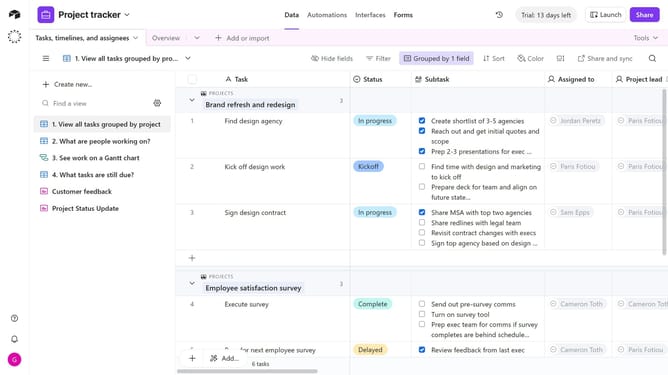
- In the view sidebar, select the specific view you want to create a share link for
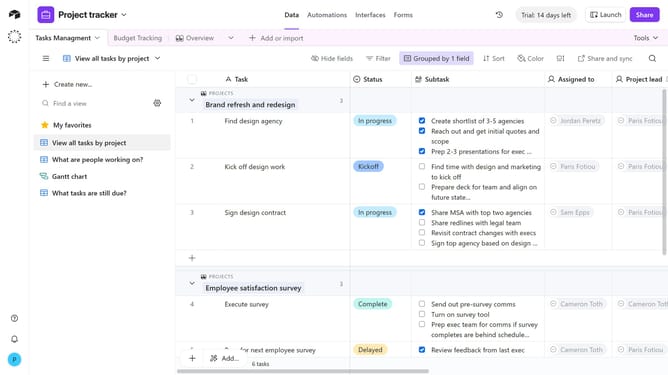
- Next click on the "Share and sync" button in the top toolbar
- Then click on "Create link to view" from the share menu options
- Finally, a unique share link will be generated for that view. You can now copy this link and share it with collaborators
Why should you create a share link for a view in Airtable
Airtable is a versatile platform that combines the power of a database with the familiarity of a spreadsheet, making data organization seamless and intuitive.
The ability to create a share link for a view in Airtable allows users to effortlessly collaborate by sharing specific data views. This feature is incredibly beneficial for maintaining control over data visibility, ensuring collaborators see only what's relevant.
By enabling streamlined communication and focused collaboration, share links enhance productivity, making data sharing both secure and efficient.
Last update