How to delete an extension on a base in Airtable
Here is how to delete an extension on a base in airtable
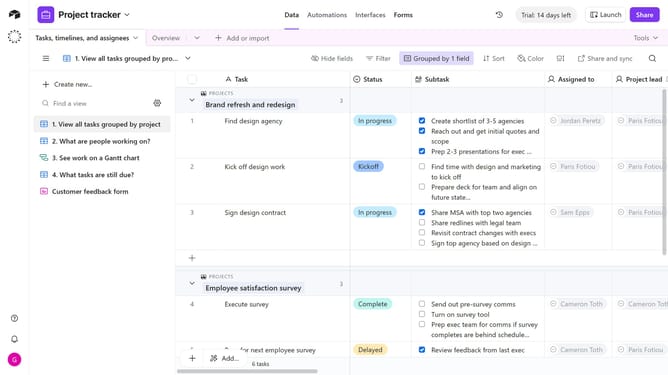
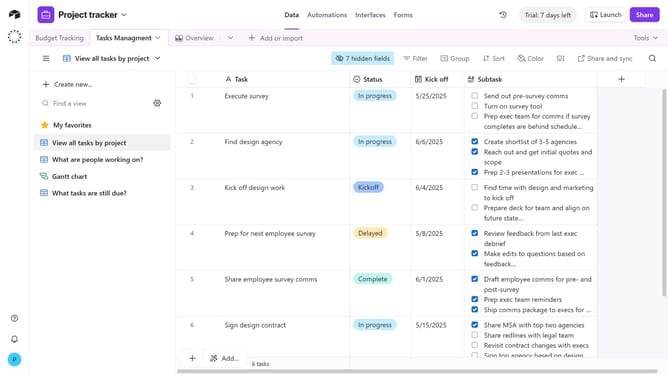
- First, open the base where the extension is located
- Next click on the "Tools" dropdown menu in the top-right corner of the base
- Click on the "Extensions" option in the Tools menu
- To view the panel in fullscreen, click the expand icon in the top-right corner
- In the extensions panel, locate the extension you want to delete
- Click on the extension name to open the dropdown menu
- Then select "Delete extension" from the widget context menu
- Finally click the "Delete" button in the confirmation dialog
Why should you delete an extension on a base in Airtable
Airtable is a versatile platform designed to streamline project management and data organization.
Deleting an extension on a base in Airtable is a straightforward feature that ensures your workspace stays uncluttered and efficient. This capability allows users to remove unnecessary or outdated extensions with ease, helping to maintain a clean and organized project environment.
By managing and optimizing the extensions in use, teams can focus more on their core tasks, ensuring that productivity is maximized and that only the most pertinent tools are at hand.
Last update