How to rename an attachment in Airtable
Here is how to rename an attachment in airtable
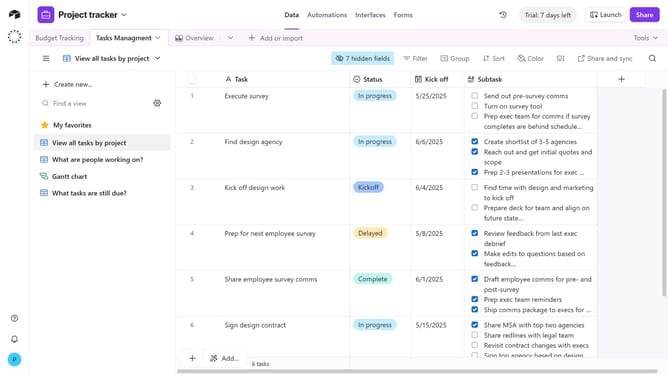
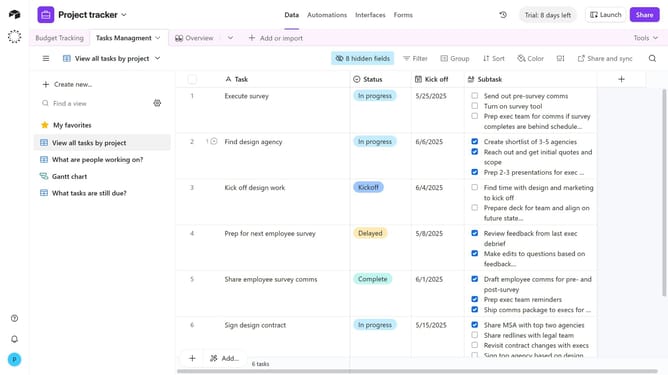
- First navigate your preferred base and open the table with an attachment field
- Locate the record with the attachment you want to rename
- Next click on the "Expand" button to view the record details
- Hover your cursor over the file name at the bottom of the record
- Then click on the pencil icon that appears in the attachment options
- Finally type the new file name in the rename field and press Enter to confirm
- The attachment will now display with its updated name
Why should you rename an attachment in Airtable
Airtable is a versatile platform designed to streamline project management and collaboration.
Renaming an attachment in Airtable boosts organization and clarity by ensuring that files reflect their content accurately.
This feature helps teams maintain consistency, minimizing misunderstandings and enhancing workflow efficiency.
Enhancing file names can significantly improve data retrieval, making collaborative projects more effective and seamless.
Last update