How to add a date field in Airtable
Here is how to add a date field in airtable
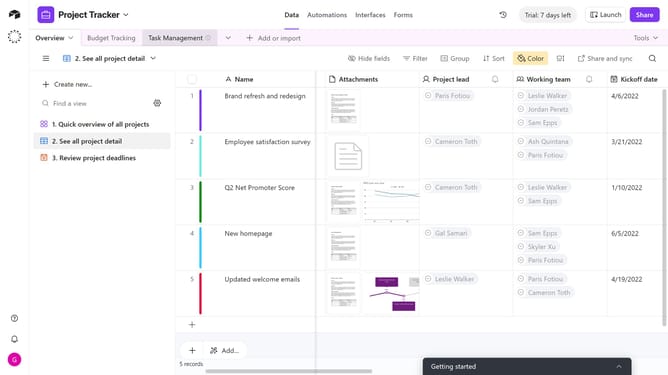
- First navigate your preferred base and the table where you want to add the date field
- Next click on the plus icon in the top right corner of your table columns to add a new field
- Select the "Date" option in the field type dropdown menu
- In the field name input box, enter a name for your date field
- Click the “Date format” dropdown
- Then select your preferred format from the date format list
- Next configure options like Include time, Display time zone and Default option as needed
- Finally click the "Create field" button to add the date field to your table
Why should you add a date field in Airtable
Airtable is a versatile platform designed to streamline your workflow with seamless organization and collaboration.
Adding a date field in Airtable enhances the capability to track timelines effortlessly.
This feature facilitates precise scheduling and deadline management, ensuring projects move smoothly and on time.
Leveraging the date field optimizes your task management, leading to improved productivity and cohesive team collaboration.
Last update