How to add an attachment field in Airtable
Here is how to add an attachment field in airtable
- First open a base from the home screen
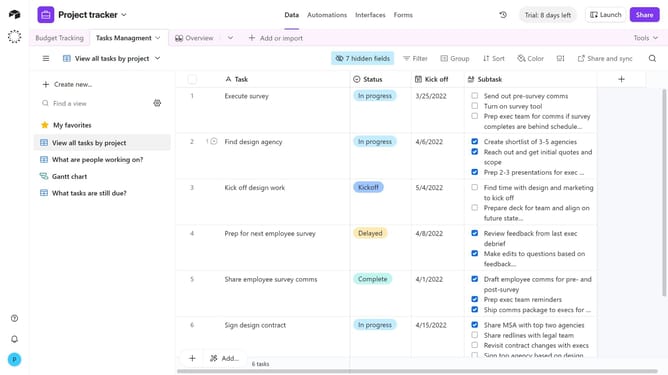
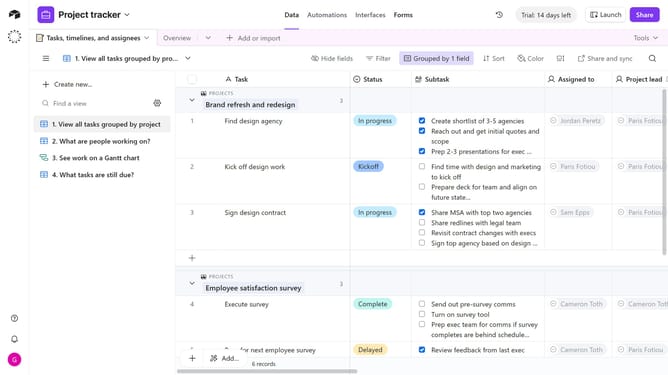
- Next, open the table where you want to add the attachment field
- Click the plus (+) icon at the top right of your table columns to add a new field
- In the field type search box, enter "Attachment"
- Then select "Attachment"
- Next enter a name for the field
- Click on the "Format" dropdown
- Then, select "Files" or "Versions" option from the dropdown menu
- Finally click the "Create field" button to confirm the attachment field creation
- The new field is now ready, and you can start uploading files into it
Why should you add an attachment field in Airtable
Airtable, a versatile platform, helps you organize and manage data seamlessly across various projects.
Adding an attachment field in Airtable enriches your database by allowing you to include files directly within your records, enhancing the depth and context of your projects.
This function is particularly beneficial for streamlining workflows as it eliminates the need for external storage solutions, centralizing your important documents in one easily accessible place.
Incorporating attachments ensures your team has all necessary resources at their fingertips, boosting collaboration and efficiency.
Last update