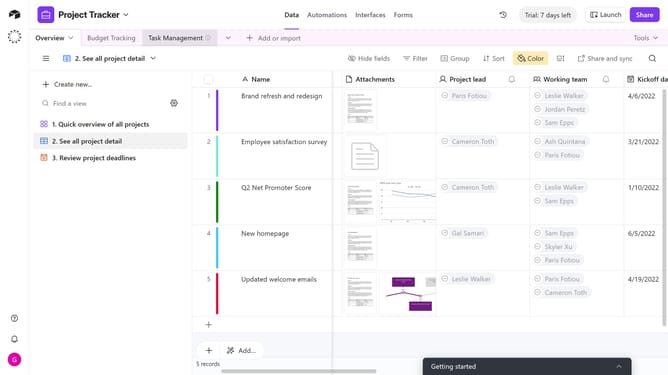
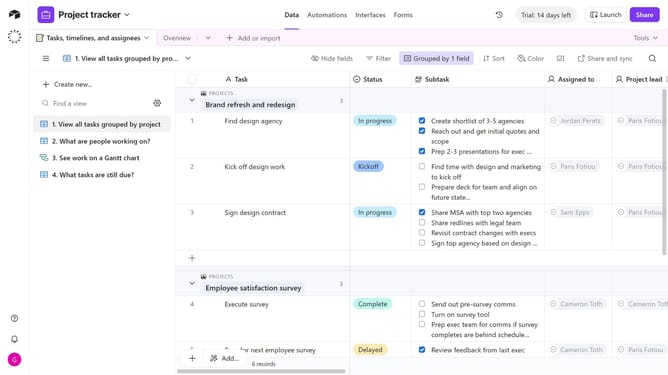
How to change the order of groups in a view in Airtable
Here is how to change the order of groups in a view in airtable
- First navigate to a base and open the table where the view is located
- Open the view sidebar and select the view that contains the groups you want to reorder
- Next click on "Group" button in the toolbar
- In the grouping options panel, locate the group you want to move and click the six-dot handle next to it
- Then drag the group up or down to change its order
- Finally the new group order will be applied instantly. Repeat for any other groups as needed
Why should you change the order of groups in a view in Airtable
Airtable is a versatile platform that combines the simplicity of a spreadsheet with the functionality of a database to organize work efficiently.
One key feature of Airtable is the ability to change the order of groups in a view, which greatly enhances data management.
Reordering groups allows users to prioritize information based on their specific needs, improving workflow and focus.
This feature ensures that the most relevant data is accessible and prominent, fostering a more productive environment.
Last update