How to add a page designer extension to a base in Airtable
Here is how to add a page designer extension to a base in airtable
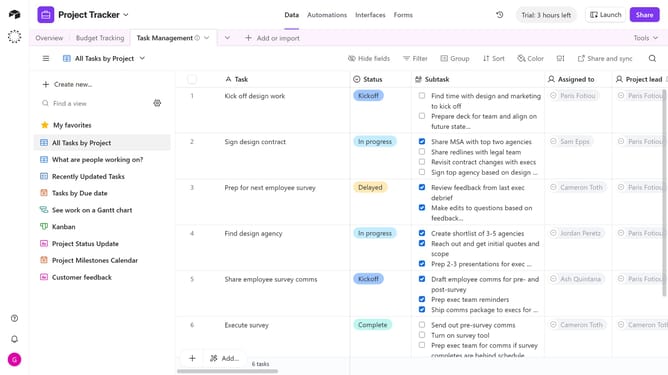
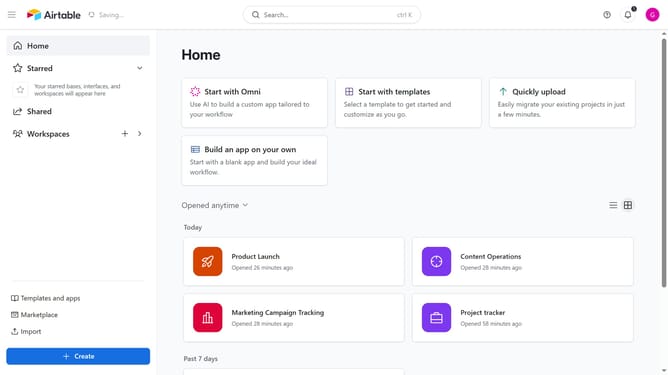
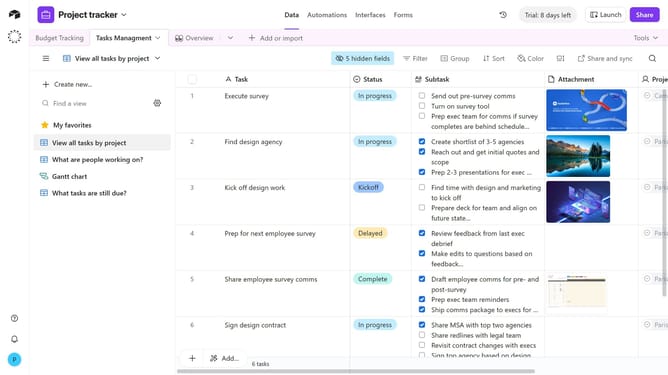
- First, open the base where you want to add the extension
- Next click on the "Tools" dropdown button in the top toolbar
- Click on the "Extensions" option in the dropdown menu
- In the extensions panel, click "+Add an extension"
- In the marketplace, enter "Page Designer" to find the extension in the search box
- Then click on the "Add" button next to the Page Designer extension
- Next click the "Add extension" button in the extension details window
- In the Page Designer setup, choose a table, set the record size, and select the record orientation
- Finally, click the “Done” button to complete the installation
- The Page Designer extension is now added to your base
Why should you add a page designer extension to a base in Airtable
Airtable serves as a versatile platform where spreadsheets and databases intersect for optimal organization and collaboration.
The Page Designer extension in Airtable allows users to transform their database records into sleek, customizable layouts with ease. Adding this extension to your base equips you with powerful tools to create visually engaging reports, print-ready documents, and personalized content layouts.
Utilizing the Page Designer yields enhanced presentation capabilities and streamlines workflows, particularly for teams needing custom documentation or branding elements.
Last update