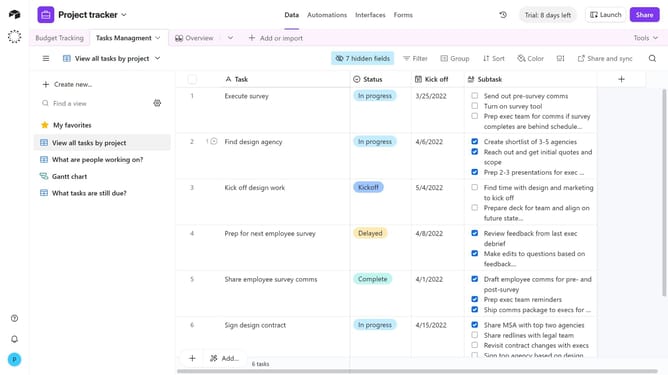
How to add a long text field in Airtable
Here is how to add a long text field in airtable
- First, navigate to your preferred base and open the table where you want to add the field
- Next, click the “+” button in the top-right corner of the table columns
- Then, select “Long text” from the field type dropdown menu
- Enter a name for your field in the Field name input
- Toggle "Enable rich text formatting" if you want to use styles
- Finally click the "Create field" button to add the new field
Why should you add a long text field in Airtable
Airtable seamlessly combines the functionality of spreadsheets and databases into a user-friendly platform designed for organization and efficiency.
One of its versatile features is the long text field, which allows users to input extensive information into a single cell. Perfect for detailed notes, this feature can capture nuanced details without clutter, ensuring data is both comprehensive and accessible.
Utilizing long text fields not only enhances data management but also encourages richer collaboration as team members can access detailed and consistent information effortlessly.
Last update