How to review trash in workspaces in Airtable
Here is how to review trash in workspaces in airtable
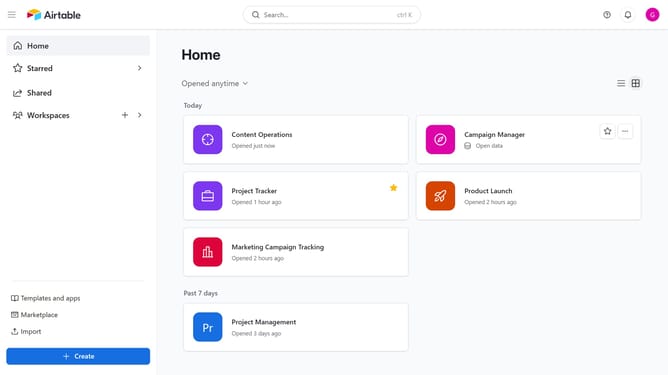
- First, navigate to your home dashboard
- Next click your profile icon in the top-right corner
- Then click on the "Trash" option from the profile dropdown menu
- In the trash dialog, you will see all deleted bases in the workspaces and restore any as needed
Why should you review trash in workspaces in Airtable
Airtable is a versatile platform designed for organizing and managing data with flexibility and ease.
One of its helpful features is the ability to review "trash" in workspaces. This feature allows users to effortlessly recover or permanently delete items that were previously discarded.
By offering a way to revisit and restore deleted items, Airtable ensures that valuable information is never truly lost, fostering a more secure and efficient data management experience.
Last update