How to show a hidden table in Airtable
Here is how to show a hidden table in airtable
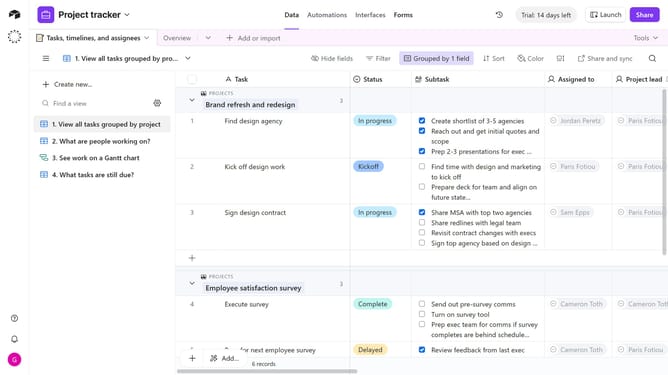
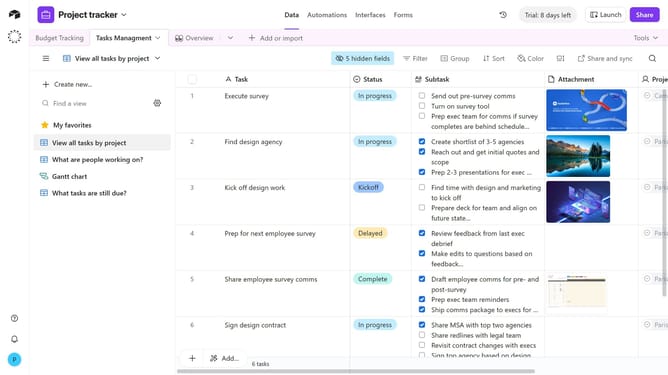
- First, open the base that contains the hidden table
- Next, click the table list dropdown arrow in the top navigation bar
- From the list of tables, locate the hidden table you want to show
- Then, click the “eye” icon next to it to make the table visible again
- The table is now back in your table list
Why should you show a hidden table in Airtable
Airtable is an intuitive and flexible platform designed to streamline collaborative work and data management.
The ability to show a hidden table in Airtable is a subtle yet powerful feature that enhances your workflow. It allows you to keep your workspace tidy while still having access to important information when needed.
Using this feature, you can maintain a focused view on your active projects while keeping archived or less critical data out of sight. This ensures a cleaner, more organized interface. It adds efficiency and clarity to your day by reducing visual clutter, making it invaluable for many users.
Last update