How to rename a view in Airtable
Here is how to rename a view in airtable
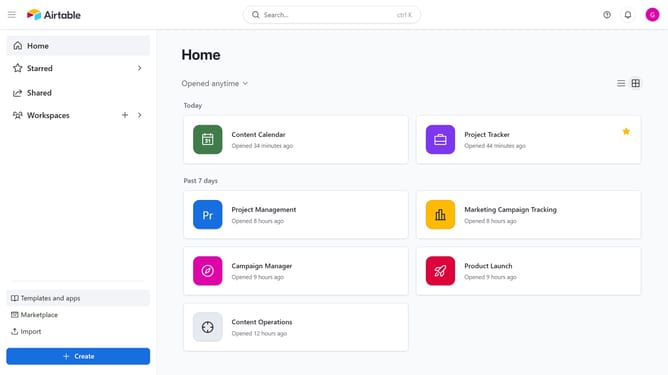
- First click on a base from the Airtable home screen
- Next open the table where the view you want to rename is located
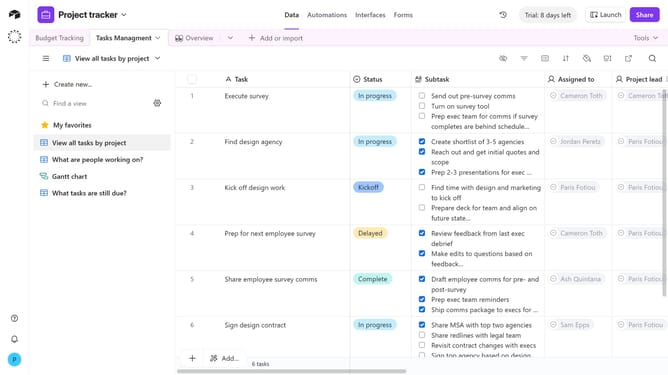
- Locate the view you want to duplicate in the view sidebar
- To quickly edit the view name, double-click on it
- Alternatively, hover over the view name and click on the menu icon (three dots) that appears next to it
- Then click on "Rename view" option in the dropdown menu
- Finally type the new name for the view and press Enter to save the new view name
Why should you rename a view in Airtable
Airtable is a versatile platform that effortlessly combines the simplicity of spreadsheets with the power of databases for seamless project management.
Renaming a view in Airtable is a straightforward feature that allows users to maintain clarity and organization within their workflows.
Changing the name of a view makes it easy to better reflect the purpose or contents of the data being visualized, ensuring that all team members can quickly identify the information they need.
This enhances communication and boosts productivity by reducing confusion and promoting consistency across projects.
Last update