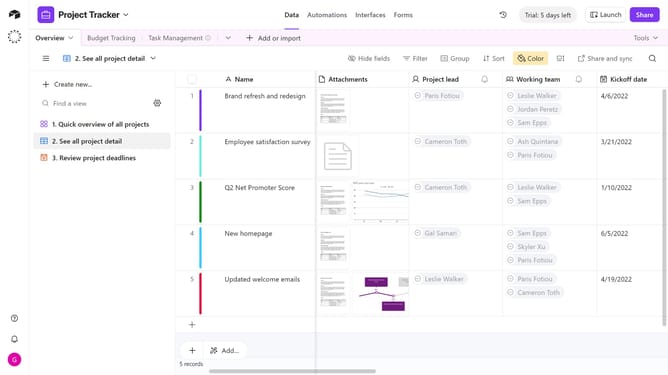
How to remove select options from cells in Airtable
Here is how to remove select options from cells in airtable
- First, navigate to your preferred base and open the table containing the multiple select field
- Locate the cell you want to remove select options from
- Then click "X" to the right of the select option's name you want to remove
Why should you remove select options from cells in Airtable
Airtable is a versatile platform that combines the simplicity of a spreadsheet with the power of a database.
Removing select options from cells in Airtable allows users to streamline their data entries and focus on relevant choices. This feature enhances data organization by ensuring that only essential options are available, minimizing clutter and potential confusion.
By tailoring the available options, users can improve the efficiency of their workflow, ensuring that the data captured aligns precisely with their goals and processes. This capability ultimately facilitates a cleaner, more focused workspace.
Last update