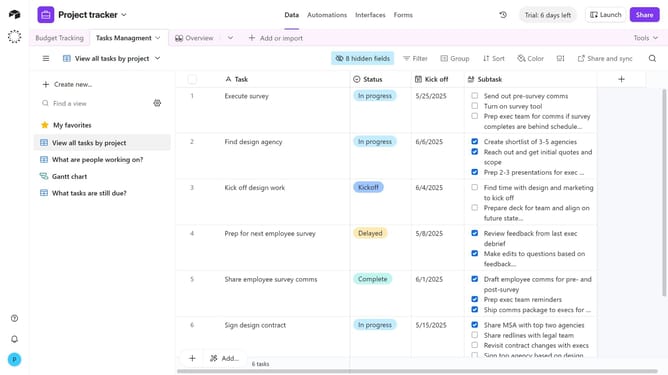
How to share a workspace using an invite link in Airtable
Here is how to share a workspace using an invite link in airtable
- First navigate to your Airtable home screen
- Next click on the workspace you want to share in the left sidebar
- Click on the "Share" button in the top right corner
- Then click on "Invite links" in the share dialog
- Click the permission dropdown
- Select the permission level for the link from the permission options
- Under “Who can access,” choose either any email address or only specific emails
- Then click the "Create invite link" button to generate the link
- Finally, click "Copy link" to copy the invitation link and share it with the collaborators you want to grant access
Why should you share a workspace using an invite link in Airtable
Airtable is a powerful tool that transforms how teams organize and collaborate on projects.
Sharing a workspace via an invite link in Airtable streamlines collaboration by allowing seamless access for team members. This feature ensures swift and efficient sharing of essential resources without cumbersome processes.
The invite link feature promotes flexibility, making it easier to connect with remote team members and external partners. Ultimately, it leads to enhanced teamwork, faster project turnaround, and improved organizational productivity.
Last update