How to update your email address in Airtable
Here is how to update your email address in airtable
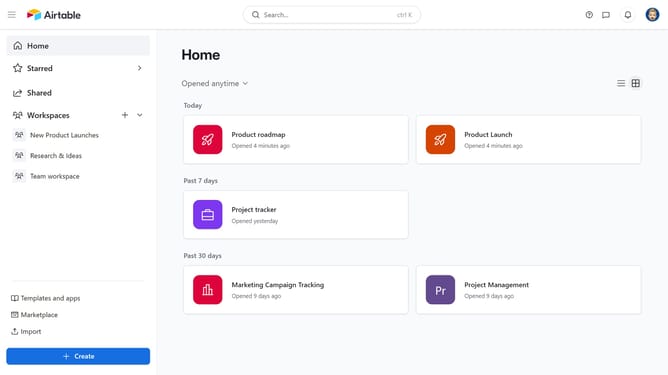
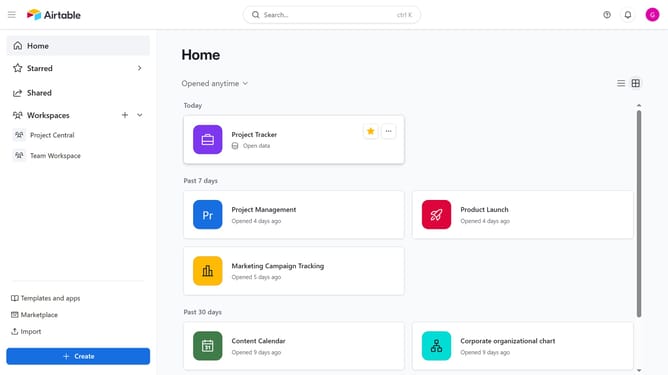
- First navigate to your home screen and click on the profile icon in the top-right corner of the header
- Next click on "Account" option in the dropdown menu
- Click on the "Overview" tab in the account settings sidebar
- Then click on the "Edit email" button next to the email address
- Enter your new email address in the "New email address" field
- Next enter your current password in the "Current password" field
- Finally click the "Save email" button to update your email address
- Your email address has been successfully updated in Airtable
Why should you update your email address in Airtable
Airtable is a versatile platform that blends the simplicity of a spreadsheet with the power of a database to organize anything, from projects to collections.
Updating your email address in Airtable is seamless and ensures continuity in communication and access. By keeping your contact information current, you maintain uninterrupted access to notifications and account management features.
This simple update also enhances security, ensuring that account recovery and communication stays streamlined. Stay connected with Airtable, so your workflow remains smooth and efficient.
Last update