How to delete a base in Airtable
Here is how to delete a base in airtable
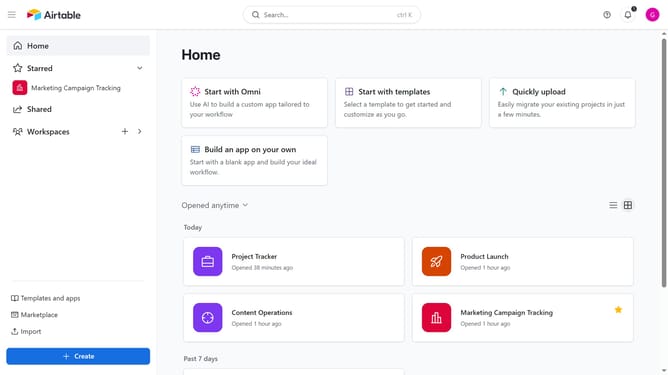
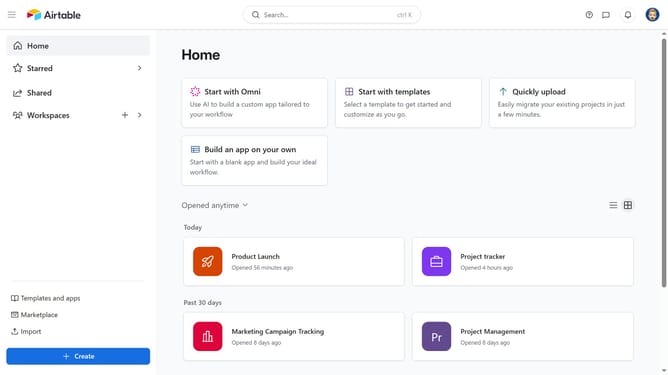
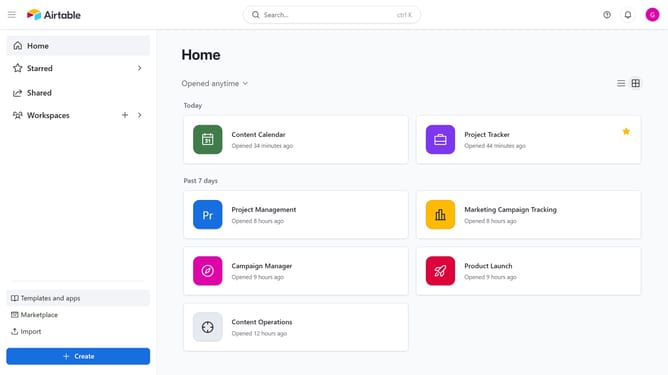
- First, navigate to your Airtable home screen
- Next locate the base you want to move
- Hover over the base name and click on the "More options" menu (three dots) in the top-right corner
- Then click on the "Delete" option in the dropdown menu
- Finally click the "Delete" button in the confirmation dialog to permanently remove the base
Why should you delete a base in Airtable
Airtable is an innovative platform that blends the simplicity of a spreadsheet with the power of a database to manage, track, and organize anything.
Deleting a base in Airtable is a feature that reinforces efficient workflow management by allowing users to keep their workspace uncluttered and relevant.
Maintaining a streamlined workspace enhances productivity by ensuring that only essential data is at your fingertips. This fosters a more focused work environment where users can prioritize current and valuable projects.
Last update