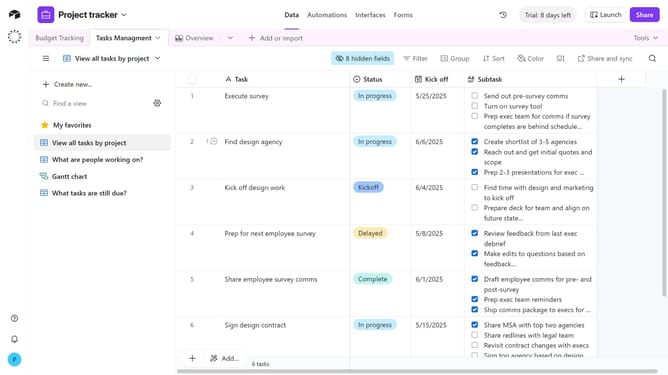
How to assign existing users to a user field in Airtable
Here is how to assign existing users to a user field in airtable
- First, navigate to your preferred base and open the table containing the user field
- Click on the cell under the User field for the record you want to assign a user
- Next click the dropdown arrow in the user field
- Then select a user from the dropdown list
- For fields that allow multiple users, you can select multiple collaborators
- The selected users are now assigned to the record and can access it immediately
Why should you assign existing users to a user field in Airtable
Airtable is a versatile platform designed to streamline data organization and collaboration.
Assigning existing users to a user field in Airtable enhances team efficiencies by centralizing user information within your database. This feature empowers seamless collaboration by allowing quick access to user-specific data.
Utilizing user fields makes tasks more manageable by maintaining a clear, organized system. As a result, projects become more transparent, fostering smooth, cooperative workflows and improving overall productivity.
Last update