How to add a description to a field in Airtable
Here is how to add a description to a field in airtable
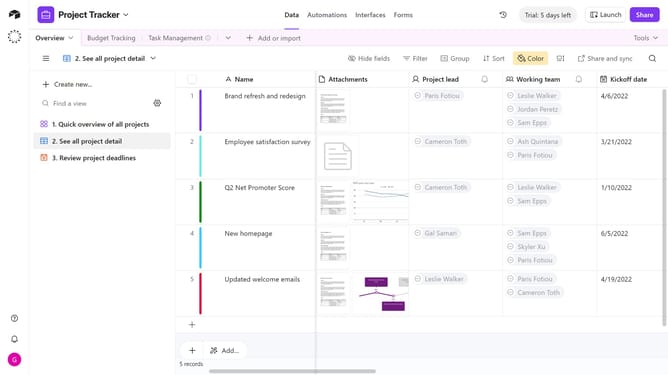
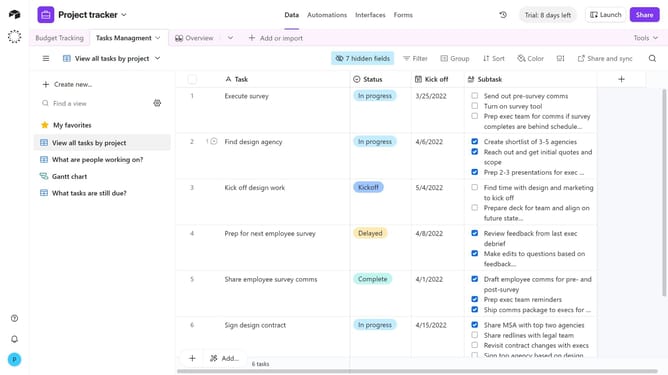
- First, navigate to your base and open the table containing the field you want to describe
- Locate the field in the table header
- Next click the dropdown arrow next to the field name to open the field menu
- Click on "Edit field description" option in the dropdown menu
- Then click into the Description text box and enter your text
- Finally click on "Save description" button
Why should you add a description to a field in Airtable
Airtable is an intuitive and flexible platform that blends the functionalities of a database with the simplicity of a spreadsheet.
Adding a description to a field in Airtable makes collaborations clearer and enhances understanding among team members. This feature allows you to articulate the purpose or contents of each field fluently, ensuring everyone is on the same page.
Utilizing field descriptions streamlines workflow, minimizes errors, and boosts overall productivity by leaving no room for ambiguity as users interact with their data sets.
Last update