How to edit an extension description on a base in Airtable
Here is how to edit an extension description on a base in airtable
- First, open the base where the extension is located
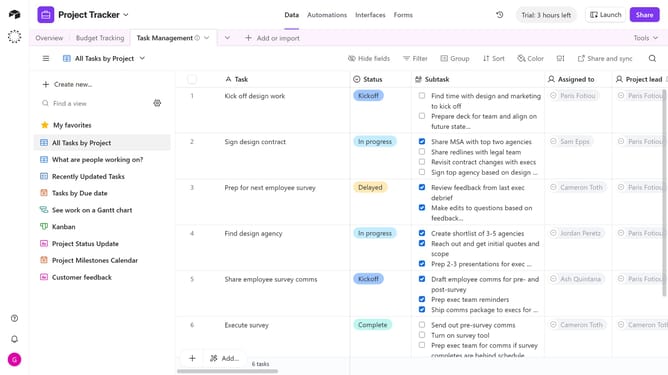
- Next click on the "Tools" dropdown menu in the top toolbar
- Click on "Extensions" option in the tools dropdown
- In the extensions panel, locate the extension whose description you want to edit
- Click on the extension name to open the dropdown menu
- Click on "Edit extension description" in the dropdown menu
- In the text field provided, update or change the description
- Finally click the "Save description" button to confirm the changes
Why should you edit an extension description on a base in Airtable
Airtable is a versatile platform designed to streamline collaboration by combining the best of spreadsheets and databases.
Editing an extension description on a base in Airtable enhances clarity, ensuring that everyone involved understands its purpose and functionality. With a well-defined description, users quickly grasp how an extension fits into the broader workflow.
This feature fosters better communication and alignment among teams, making it easier to manage projects and drive productivity. By keeping data organized and descriptions precise, Airtable helps you maintain an efficient and seamless workflow.
Last update