How to close the extensions panel on a base in Airtable
Here is how to close the extensions panel on a base in airtable
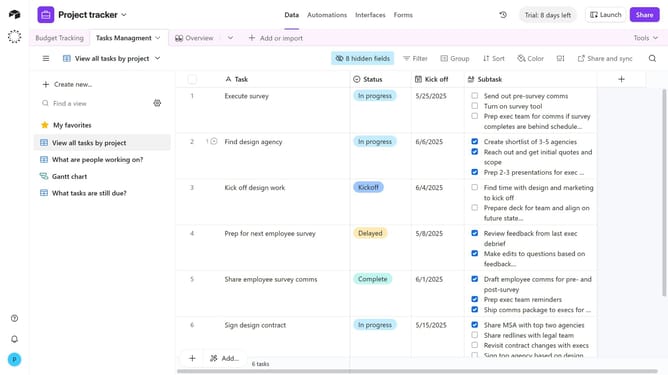
- First, open the base where the extensions panel is currently visible
- To close the extensions panel, click on the "X" button in the top-right corner of the panel
Why should you close the extensions panel on a base in Airtable
Airtable is a versatile platform designed for empowering teams to customize workflows effortlessly.
The ability to close the extensions panel on a base in Airtable enhances the workspace's efficiency by freeing up valuable screen space and focusing on core tasks.
By minimizing distractions and allowing quick toggling, users can seamlessly integrate new tools and data insights without overwhelming their operating environment. This feature streamlines productivity by offering a clean and organized interface tailored to individual preferences.
Last update