How to find a table ID from a URL in Airtable
Here is how to find a table id from a url in airtable
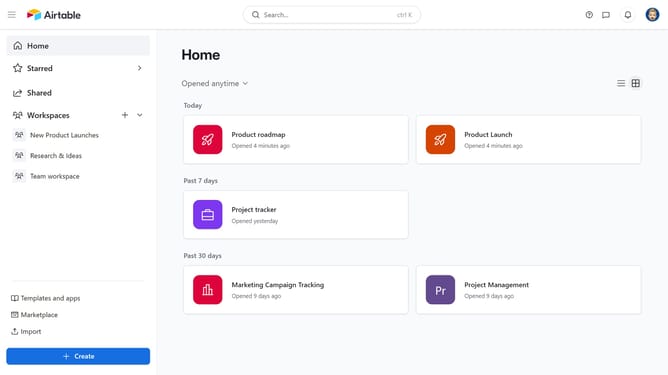
- First click on your base from the Airtable home screen
- Next navigate to the table whose ID you want to find
- Then look at the URL in your browser’s address bar and the table ID is the section that begins with “tbl”
Why should you find a table ID from a URL in Airtable
Airtable is a versatile platform that seamlessly combines the functionality of a spreadsheet with the robust capabilities of a database.
Finding a table ID from a URL in Airtable is an intuitive feature that simplifies integrating data with other applications. This process involves a straightforward extraction that's both quick and reliable.
By efficiently locating table IDs, users can better manage and automate workflows, enhancing productivity and collaboration across teams. This functionality enriches the overall Airtable experience by promoting seamless connectivity and data accessibility.
Last update