How to get early access to new Airtable AI features in a workspace
Here is how to get early access to new airtable ai features in a workspace
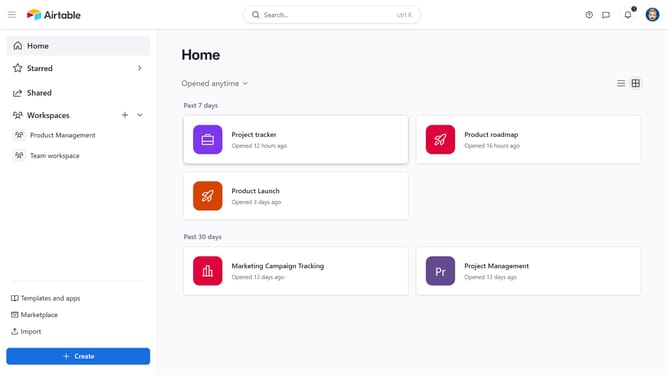
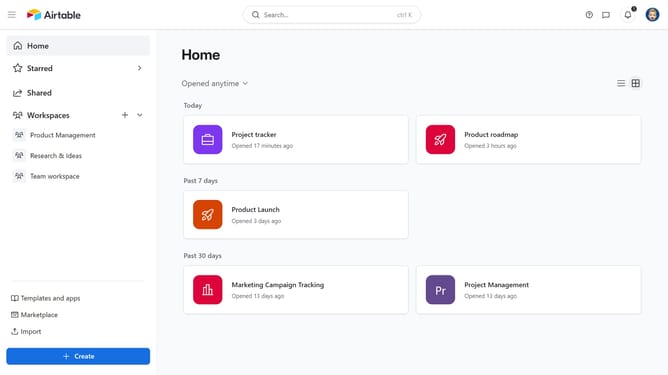
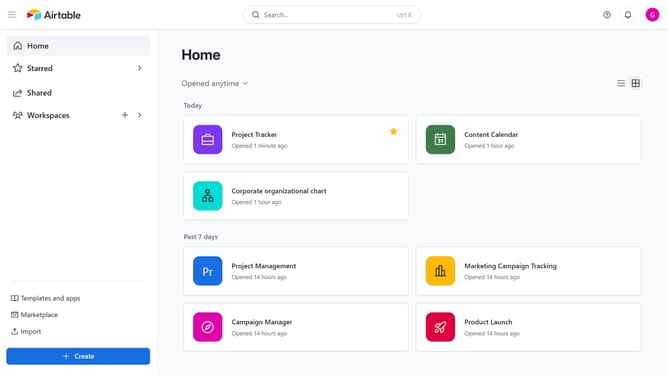
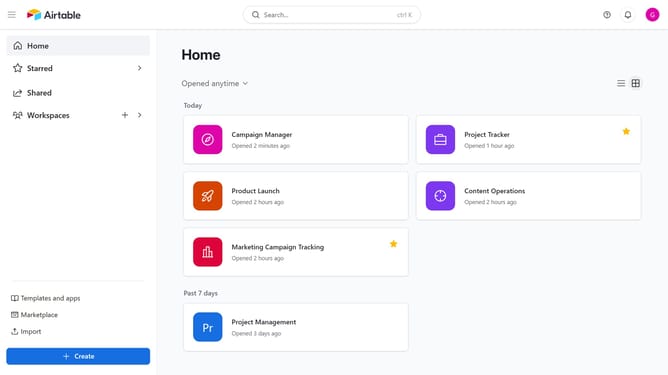
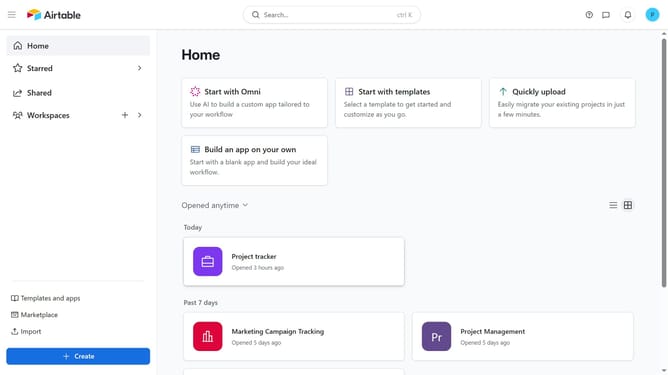
- First navigate to your home screen and click on the profile picture in the top-right corner of the header
- Then click on "Account" option in the dropdown menu
- In the left sidebar, select the workspace where you want to enable early access to Airtable AI features
- Next, ensure that the “Turn on Airtable AI for all bases within this workspace” option is enabled
- Finally, toggle on "Get early access to new Airtable AI features"
Why should you get early access to new Airtable AI features in a workspace
Airtable is a dynamic platform that merges the simplicity of a spreadsheet with powerful database features.
Getting early access to new Airtable AI features allows you to stay ahead in utilizing cutting-edge technology within your workspace. Enjoy the advantage as Airtable continuously innovates, ensuring enhanced efficiency and creativity.
Leveraging early access means gaining insights, improving collaboration, and optimizing your workflows even before they become mainstream. Embrace this opportunity to elevate your productivity and lead in your niche.
Last update