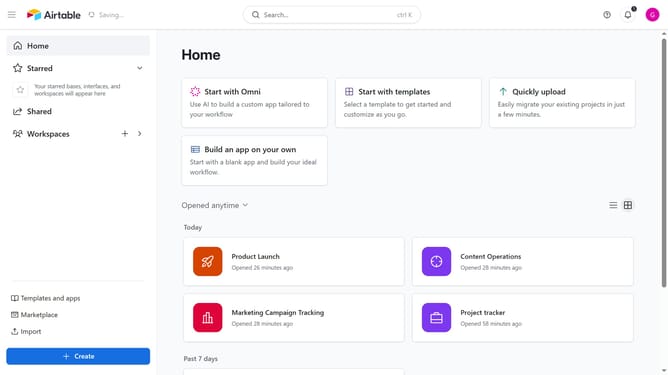
How to edit your Airtable account name
Here is how to edit your airtable account name
- First navigate to your home screen and click on the profile icon in the top-right corner of the header
- Next click on "Account" in the dropdown menu
- Click on the "Overview" section in the account settings sidebar
- Click on the "Edit name"
- Then enter your preferred name
- Finally click on the "Save name" button to confirm the name changes
Why should you edit your Airtable account name
Airtable is a versatile platform that merges the simplicity of a spreadsheet with the power of a database, designed to streamline your workflow.
Editing your Airtable account name is a handy feature that allows for personalized identification within the platform. By ensuring your account name reflects your identity or organizational role, you can enhance collaboration and ensure clear communication among team members.
Utilizing this feature fosters a professional appearance and helps maintain transparency across shared projects. An updated account name also aids in efficient user recognition, fostering a more organized and coherent workspace.
Last update