How to show all fields in expanded records in a shared view in Airtable
Here is how to show all fields in expanded records in a shared view in airtable
- First, navigate to the base and open the table containing the shared view
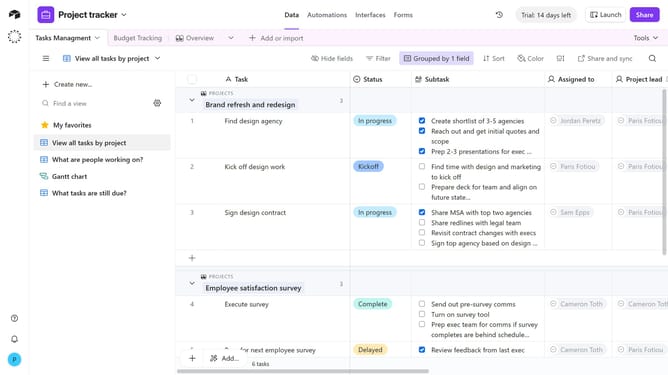
- Open the view sidebar and select the shared view you want to configure
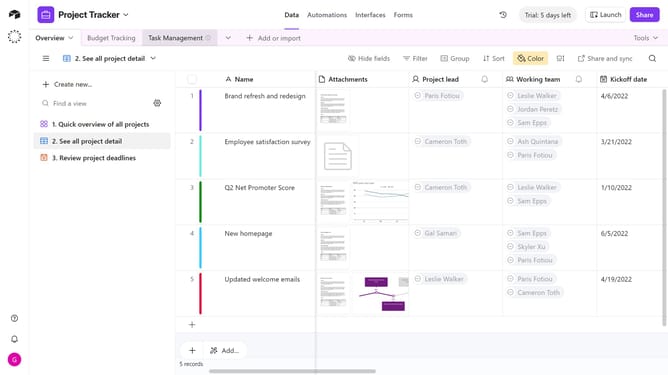
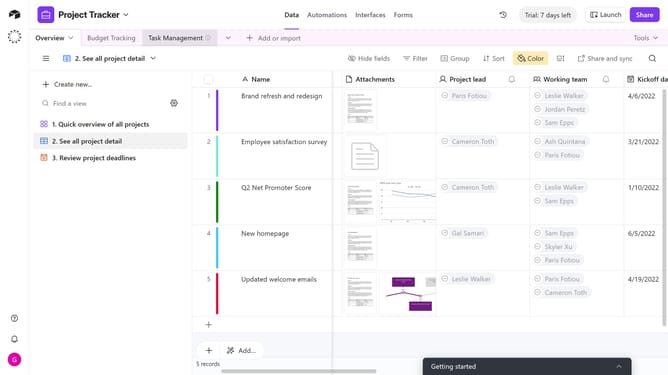
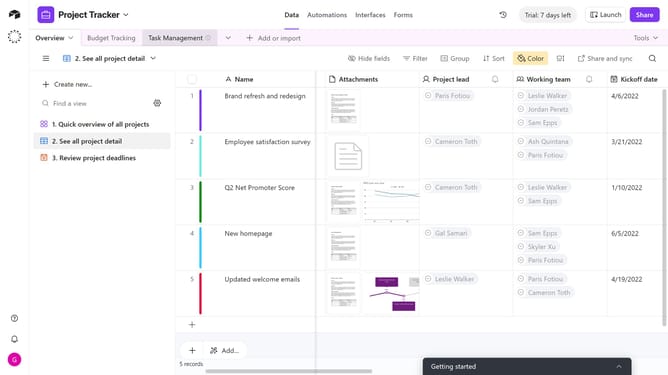
- Next click on "Share and sync" button in the top toolbar
- Click on "Link settings" option in the share menu
- Then toggle on the option "Show all fields in expanded tasks" in the link settings dialog
- Finally click on "Show all fields" button in the confirmation dialog
Why should you show all fields in expanded records in a shared view in Airtable
Airtable is an intuitive platform that combines the simplicity of a spreadsheet with the power of a database, making organizing work incredibly flexible and efficient.
The ability to show all fields in expanded records in a shared view on Airtable provides a comprehensive perspective on your data.
By enabling this feature, you can ensure that every important detail is visible to all collaborators, preventing any miscommunication and improving project transparency.
This enhances collaboration, as everyone can view critical information at a glance, fostering more informed decision-making.
Last update