How to delete a table in Airtable
Here is how to delete a table in airtable
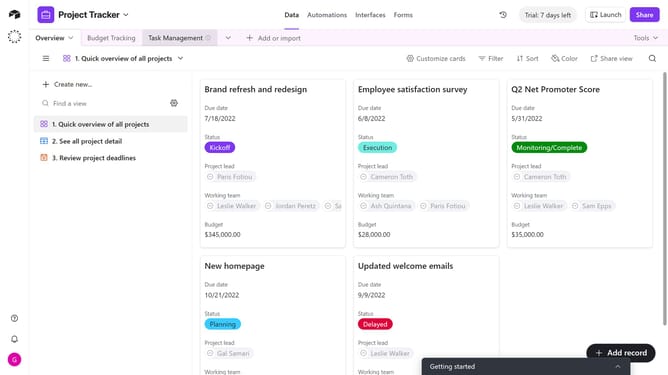
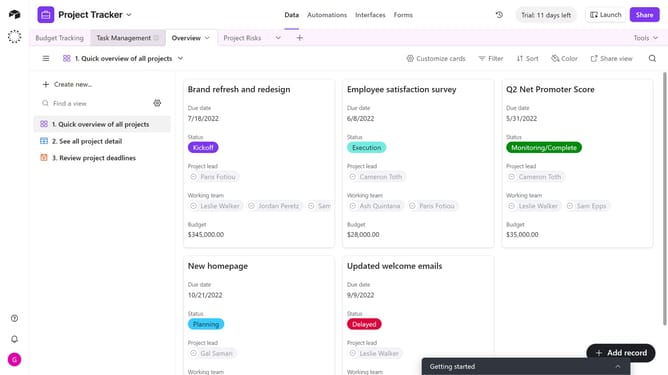
- First, open the base and click on the table you want to delete
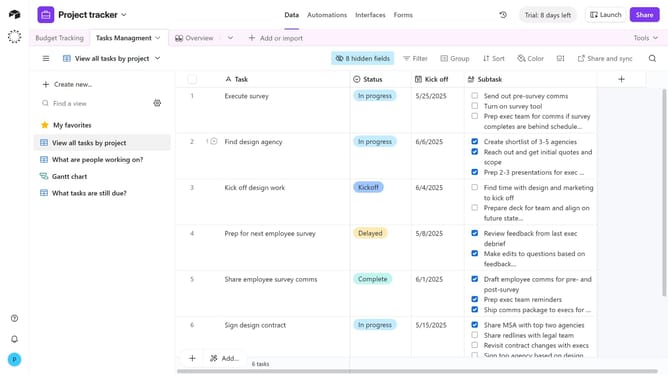
- Next right-click the table tab or click the dropdown arrow next to it
- Then click on "Delete table" option from the table context menu
- Finally click on "Delete" button in the confirmation dialog
Why should you delete a table in Airtable
Airtable is an innovative platform that merges the best of spreadsheets and databases to streamline project management and organization.
Deleting a table in Airtable is straightforward, providing users a neat way to manage their data efficiently. This feature ensures users can keep their databases clean and organized by removing obsolete or duplicate tables.
By maintaining an organized workspace, users can enhance productivity and decision-making, focusing only on relevant data, which in turn optimizes workflow and resource management.
Last update