How to configure a view’s share link permissions in Airtable
Here is how to configure a view’s share link permissions in airtable
- First, navigate to the base and open the table containing the shared view
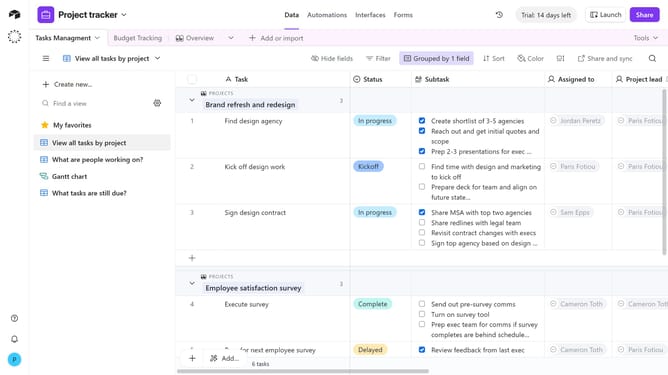
- Open the view sidebar and select the view you want to manage the share link permissions
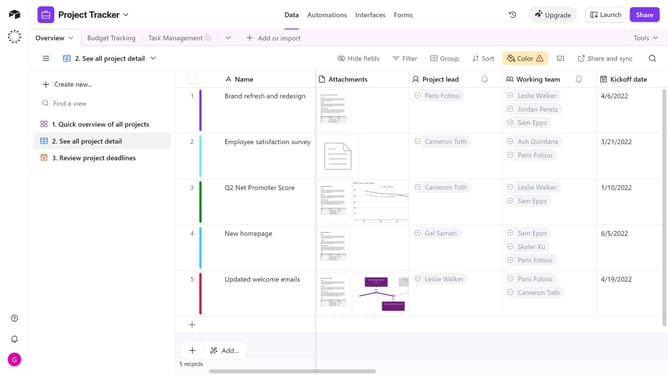
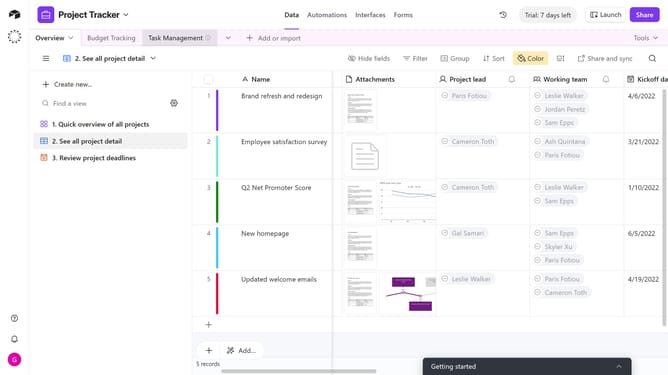
- Next, click on the "Share and sync" button in the top toolbar
- Click on "Link settings" option in the share menu
- A permissions menu will then open, allowing you to manage the link settings
- Finally, toggle on or off your preferred permissions
Why should you configure a view’s share link permissions in Airtable
Airtable is a versatile platform designed to supercharge productivity through structured collaboration.
Configuring a view's share link permissions in Airtable is a seamless way to enhance data visibility and security. It allows users to share specific data views with colleagues or stakeholders, tailoring access according to necessity.
This feature ensures sensitive information remains protected while still encouraging transparent communication and efficient teamwork. Ultimately, it helps maintain control over data access, fostering a secure and informed workflow.
Last update