How to generate a new share link for a view in Airtable
Here is how to generate a new share link for a view in airtable
- First, navigate to the base and open the table containing the view
- Open the view sidebar and select the shared view you want to update
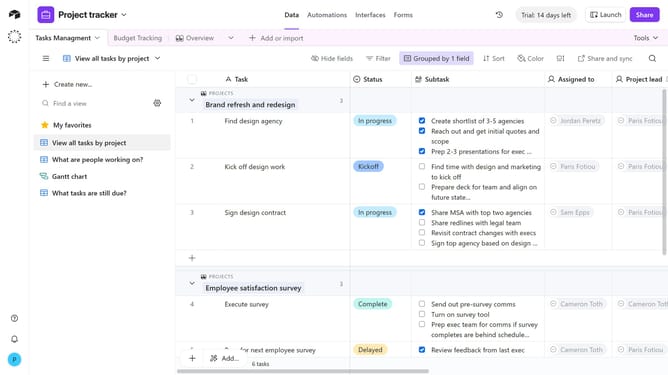
- Next click on "Share and sync" button in the top toolbar
- Click on "Link settings" option in the sharing dropdown menu
- Then click on "Generate new link" button in the link settings panel
- Finally click "Confirm" button in the confirmation dialog
- The new share link has been generated, and the previous link is now disabled
Why should you generate a new share link for a view in Airtable
Airtable is a versatile platform designed to empower individuals and teams to organize and streamline their workflows with ease.
In Airtable, generating a new share link for a view enables seamless collaboration by allowing others to access specific data without altering its integrity.
This feature is particularly useful when you need to share insights with colleagues, clients, or stakeholders, providing them with the exact information they require.
By using share links, you enhance transparency and efficiency, ensuring everyone stays informed and aligned with the project's objectives.
Last update