How to add a start date to a card in Trello
Here is how to add a start date to a card in trello
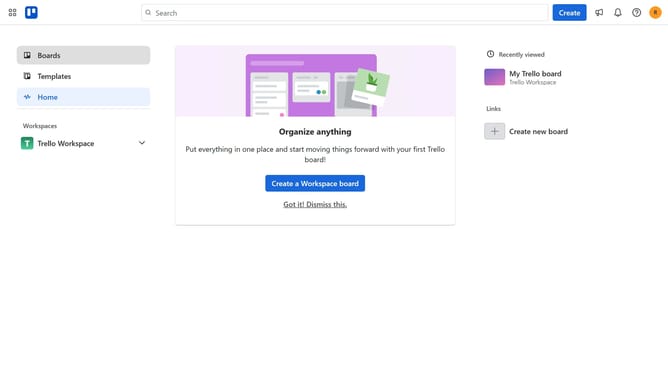
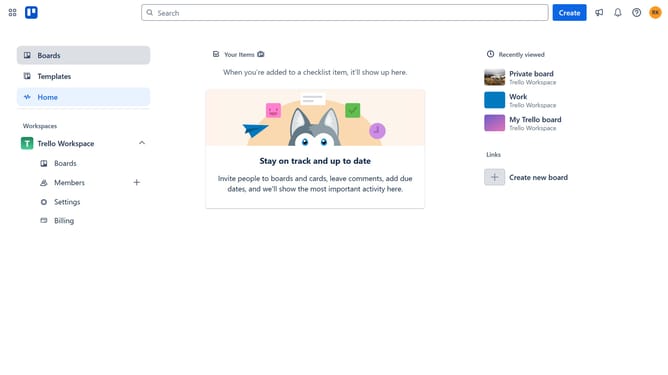
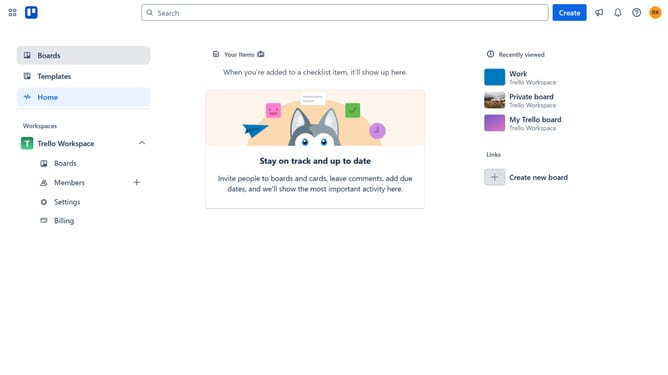
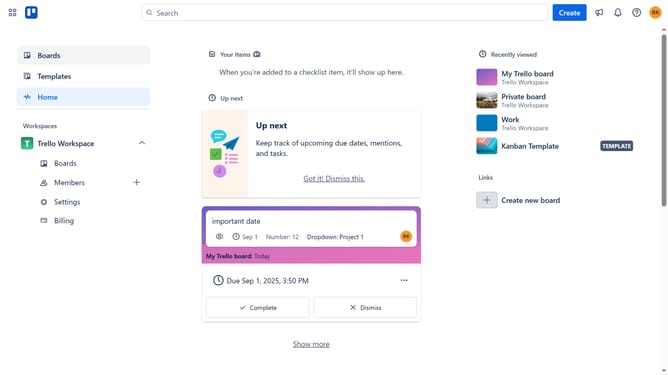
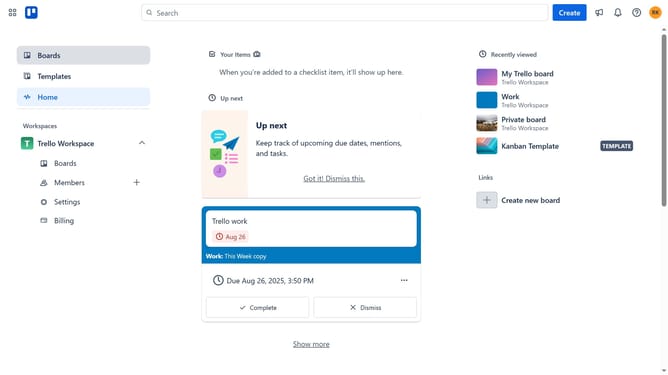
- First click on the "Boards" option in the left sidebar menu
- Then click on the board that has a card you want to add a start date in the Workspace section
- Next click on the card you want to add a start date
- Then click on the "Dates" button in the card details
- Next click the checkbox beside the start date
- Then select the start date from the calendar
- Finally click the "Save" button to confirm the date settings
Why should you add a start date to a card in Trello
Trello is a versatile project management tool designed to streamline your workflow with visual simplicity.
One of its key features is the ability to add a start date to a card, enhancing your planning capabilities.
By setting a start date, team members can align on when tasks should commence, reducing ambiguity and enhancing coordination.
This feature fosters better time management, helping to ensure projects progress smoothly, on schedule, and with clear priorities.
Last update