You need a hero image for tomorrow's campaign. Your designer is heads-down on a product launch. The brief calls for video B-roll and background music, and your current creative budget doesn't stretch to a production shoot.
This is the everyday reality for growth marketers running multi-channel campaigns. According to Straits Research (2026), the global stock images and videos market reached USD 6.32 billion in 2026 and is projected to hit USD 10.61 billion by 2034, driven in large part by the rising volume of digital content production across paid, organic, and owned channels. Stock media platforms exist because producing every asset from scratch isn't realistic at campaign velocity.
The real question isn't "where do I find stock assets." It's which library gives you the right licensing for commercial use, the right asset mix for your channels, and a pricing model that doesn't punish you for scaling.
This guide cuts through the options so you can make a subscription decision with confidence, not guesswork.
What's inside
This guide covers seven stock media platforms evaluated for marketers and teams running commercial campaigns. Items were selected based on:
- Licensing clarity: Does the license cover paid social, ads, and commercial use without extra fees?
- Asset breadth: Does the platform cover footage, music, images, or all three?
- Pricing model: Is the cost predictable at volume, and does an unlimited plan actually make sense?
- Workflow fit: Does the platform connect to the tools your team already uses?
TL;DR
- Best for unlimited downloads: Storyblocks covers video, images, music, and templates under a flat subscription starting at $21/month.
- Best for broad image and video coverage: Shutterstock offers a large licensed library with image packs starting at $29 one-off or subscriptions from $25/month.
- Best for Adobe workflow teams: Adobe Creative Cloud and Adobe Stock give you the app suite plus a licensed asset marketplace under one vendor relationship.
- Best for music-first campaigns: Epidemic Sound is purpose-built for audio, with subscriptions from $9.99/month and licensing that covers social, podcasts, and digital ads.
- Best for editorial and premium imagery: Getty Images is the right call when you need recognizable, rights-managed visuals for high-stakes campaigns.
- Best free option: Pexels gives you commercial-use photos and video at no cost, with no sign-up required for basic downloads.
What is stock media software
Stock media software is a platform that lets you find, license, and download ready-made photos, videos, audio tracks, and related creative assets for commercial or editorial use. Instead of commissioning custom shoots or composing original audio, teams access a pre-licensed library and apply that content across campaigns, landing pages, social ads, and other marketing outputs.
The main subcategories you'll encounter:
- Stock footage software: Video clips and B-roll for ads, social content, product pages, and branded video
- Stock music software: Royalty-free tracks and sound effects licensed for social, podcasts, YouTube, and digital ads
- Stock photos websites: Licensed still images for landing pages, email headers, paid social, and editorial content
- Mixed media libraries: Platforms that combine footage, music, and images under a single subscription
Key features to evaluate before committing:
- Licensing clarity: Royalty-free vs. rights-managed, commercial vs. editorial, and what's covered in ads
- Asset search and filtering: How fast can you find something usable? Filter quality matters when you're working fast
- Download limits: Capped monthly downloads vs. truly unlimited plans
- Commercial-use permissions: What the license actually allows for paid placements and branded content
- Team access: Multi-seat plans, shared libraries, and admin controls
- Integration with creative workflows: Adobe plugins, API access, direct imports into editing tools
One thing to clarify upfront: "royalty-free" means you pay once (usually through a subscription or per-download fee) and don't owe ongoing royalties each time the asset is used. It does not mean free. The distinctions between licensing models matter a lot when you're running paid campaigns at scale.
When to use stock media software
Produce campaign assets faster without a production backlog
Paid social campaigns require constant creative refresh. When your design team is tied up or your production budget is capped, stock media lets you ship creative variants without a two-week content production cycle. Most platforms let you search, preview, and download in minutes.
Fill content gaps across channels
Email headers, blog feature images, podcast intros, and YouTube B-roll all need visual and audio assets. Maintaining a stock subscription means those gaps get filled without freelance briefs or asset requests. The right platform covers enough format variety to support multiple channels from one library.
License assets for recurring commercial use
One-off purchases make sense for occasional needs. But if your team downloads 30 to 50 assets per month across campaigns, a subscription that covers commercial use is almost always more cost-effective than per-download pricing. The key is verifying what the license actually covers at the tier you're buying.
Stock media software comparison
The table below covers media type coverage, licensing model, workflow fit, and pricing. Use it to narrow to two or three options before reading the full sections below.
| # | Product | Best for | Key differentiator | Pricing | G2 rating |
|---|---|---|---|---|---|
| 1 | Storyblocks | Unlimited asset volume across media types | Flat subscription, truly unlimited downloads | From $21/mo | N/A |
| 2 | Shutterstock | Broad licensed image and video library | Large catalog with subscription and pack options | From $25/mo | 4.4/5 |
| 3 | Adobe Creative Cloud | Teams already in the Adobe app suite | Full creative app bundle plus Firefly AI | From $22.99/mo | 4.1/5 |
| 4 | Adobe Stock | Adobe-aligned stock asset access | 900M+ assets with AI Studio editing | From $29.99/mo | 4.3/5 |
| 5 | Epidemic Sound | Music-first production teams | Purpose-built audio library for commercial use | From $9.99/mo | 4.3/5 |
| 6 | Getty Images | Premium editorial and commercial imagery | Rights-managed visuals with UltraPacks | From $175/download | 3.5/5 |
| 7 | Pexels | Free visual assets for low-budget workflows | Completely free with commercial-use license | Free | 4.6/5 |
7 best stock media software for 2026
1. Storyblocks
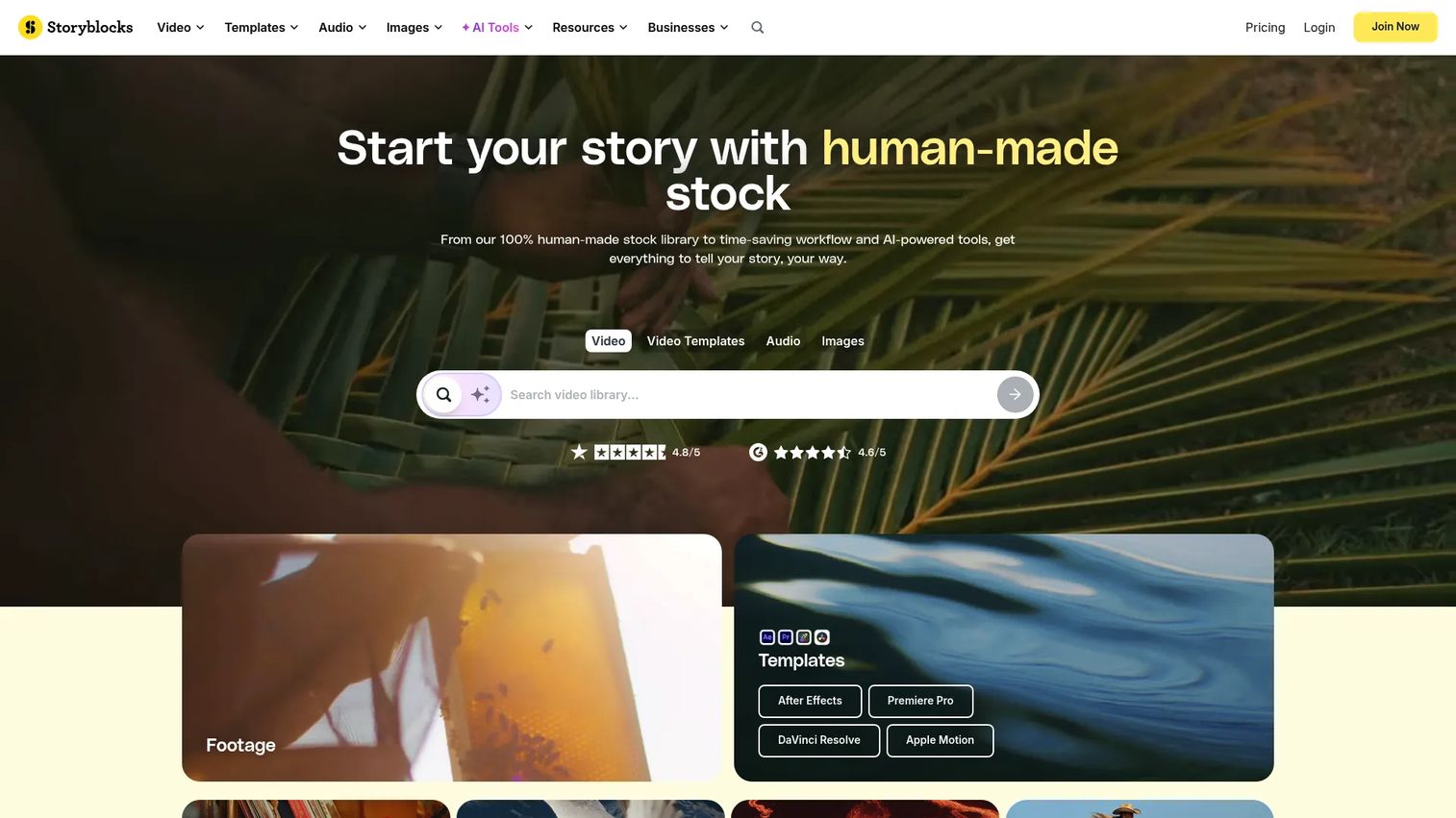
Storyblocks is a subscription-based stock media platform that gives teams unlimited downloads across video, images, music, and templates from a single plan. The library is 100% human-made content, and the platform also includes an AI Toolkit for video editing, voiceover generation, video generation, and image generation. An Adobe plugin lets you access assets without leaving your editing environment.
Best for: Teams that need high-volume asset access across multiple media types and want one subscription to cover it.
Key strengths
- Unlimited downloads: No per-asset fees across the full library
- Mixed media library: Covers video, images, music, and templates
- AI Toolkit: Voiceover, video editing, and image generation built in
- Adobe plugin: Direct access inside Premiere and other Adobe apps
- Human-made content only: No AI-generated assets in the core library
Why choose Storyblocks: If you're producing content at volume across paid social, organic video, and email, Storyblocks' flat subscription removes the mental overhead of per-download costs. It's the strongest fit for teams who regularly hit download caps on other platforms.
Storyblocks pricing: Plans start at $21/month for Essentials, $30/month for Unlimited All Access, and $40/month for Small Business, all billed annually. A Business tier is available via a sales quote for larger teams. A free account is available; no free trial is currently offered.
Storyblocks does not have a current G2 listing with a verified rating at the time of this article.
2. Shutterstock
Shutterstock is one of the largest licensed stock media marketplaces, covering images, video, and music alongside AI-powered creation tools. It offers both subscription plans and one-off packs, giving marketers flexibility between recurring access and occasional purchases. Standard and enhanced licensing options are available for different commercial use cases, and team and enterprise controls are offered for larger organizations.
Best for: Marketers and teams who want broad coverage across images and video from a familiar, large-catalog platform.
Key strengths
- Large licensed library: Covers images, footage, music, and AI-generated assets
- Flexible purchasing: Subscriptions, image packs, and video packs available
- AI image and video generation: Built-in creation tools alongside the stock catalog
- Standard and enhanced licensing: Covers a wide range of commercial applications
- Team and enterprise options: Shared seat access and admin controls for larger teams
Why choose Shutterstock: Shutterstock works well when your team needs reliable scale across image and video without committing to a single media type. The pack options are useful if your download volume is unpredictable month to month.
Shutterstock pricing: Image subscriptions start at $25/month (billed yearly at $300), with Unlimited Images at $29/month and Unlimited Plus at $69/month. One-off image packs start at $29. Video subscriptions start at $59/month, and video packs start at $275. Team and enterprise pricing requires a quote.
Shutterstock holds a 4.4/5 rating on G2.
3. Adobe Creative Cloud
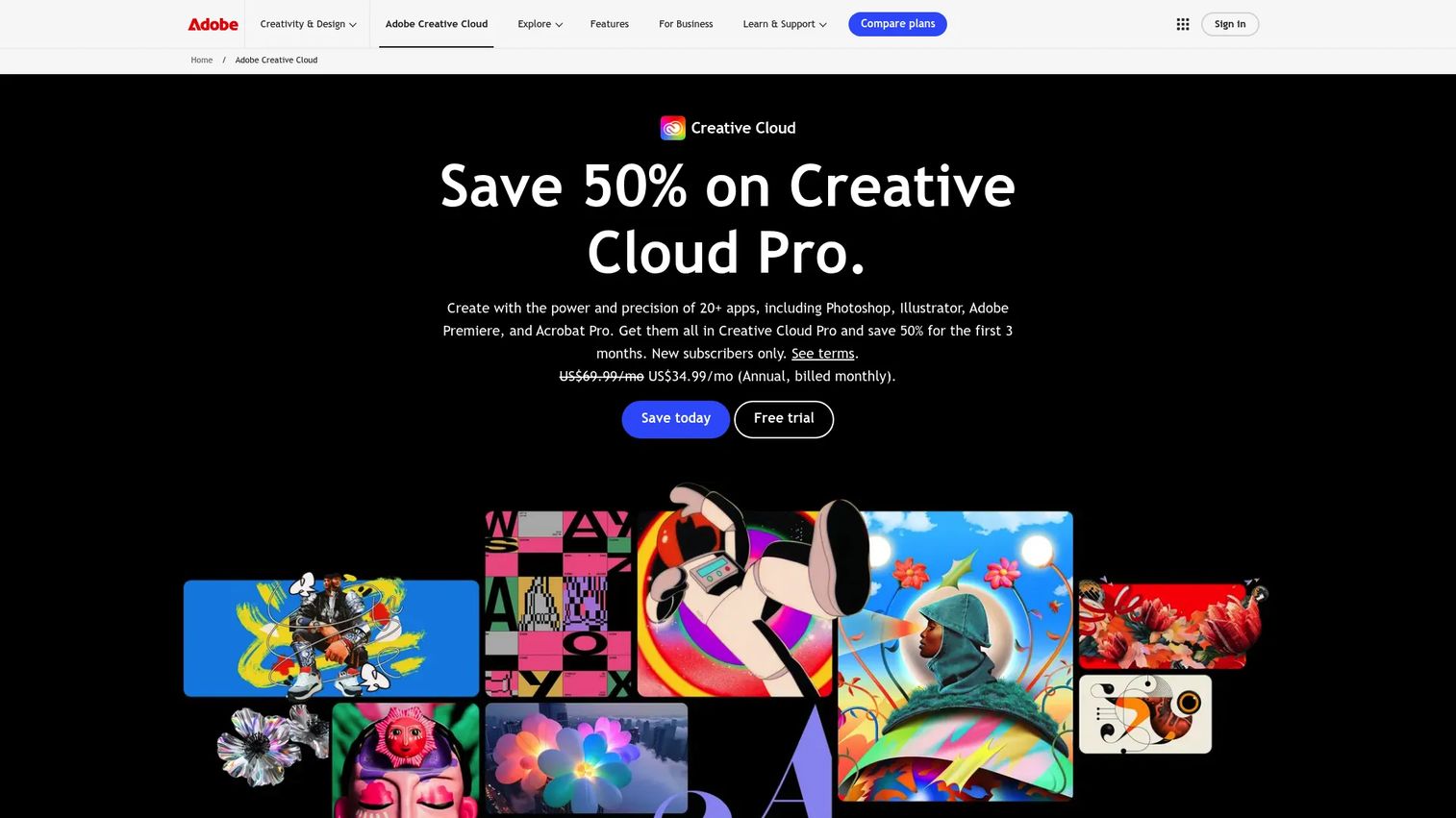
Adobe Creative Cloud is a subscription suite that bundles 20-plus creative apps, including Photoshop, Illustrator, Premiere Pro, and Acrobat Pro, alongside Adobe Firefly generative AI features, cloud storage, fonts, templates, and tutorial access. It's not a stock media platform in the traditional sense, but for teams already working in Adobe tools, the Creative Cloud subscription is the starting point for any Adobe-connected asset workflow, including Adobe Stock access.
Best for: Teams and creative departments that want the full Adobe app suite under one subscription and a direct route to Adobe Stock integration.
Key strengths
- 20+ creative apps: Photoshop, Illustrator, Premiere Pro, After Effects, and more
- Adobe Firefly AI: Generative AI built into apps for image and vector creation
- Cloud libraries and fonts: Shared assets accessible across apps and team members
- Tutorials and templates: Built-in learning and starter content
- Direct Adobe Stock connection: Browse and license assets without leaving the app
Why choose Adobe Creative Cloud: If your team runs on Adobe tools, the Creative Cloud Pro subscription is already the foundation of your workflow. Adding stock access through Adobe Stock on top of that gives you the tightest possible integration between asset discovery and production.
Adobe Creative Cloud pricing: Single App plans start at $22.99/month (billed annually). Creative Cloud Pro is $69.99/month, or $15.99/month for students and teachers. The Teams plan runs $99.99/month per seat, billed annually. A free Creative Cloud membership is available with limited features.
Adobe Creative Cloud holds a 4.1/5 rating on G2.
4. Adobe Stock
Adobe Stock is Adobe's dedicated stock media marketplace, offering access to over 900 million licensed assets including photos, videos, audio tracks, templates, vectors, and 3D content. It integrates directly with Creative Cloud apps, letting you license and place assets without leaving Photoshop, Premiere, or Illustrator. An AI Studio feature lets you edit and adjust assets before licensing. Subscription plans, credit packs, and a free trial are all available.
Best for: Teams that want direct stock asset access with tight Adobe app integration and a flexible mix of subscription and credit-based purchasing.
Key strengths
- 900M+ licensed assets: Photos, video, audio, templates, vectors, and 3D
- AI Studio editing: Adjust assets before licensing them
- Credit packs: One-time purchase option for occasional needs
- Direct app integration: License from inside Photoshop, Premiere, and other apps
- Free trial: Available before committing to a paid plan
Why choose Adobe Stock: Adobe Stock makes the most sense when your team's production happens inside Creative Cloud and you want asset licensing to fit that workflow. The credit pack option is useful for teams with low but unpredictable download volume.
Adobe Stock pricing: Annual plans (paid monthly) range from $29.99/month for 10 standard assets up to $199.99/month for 750 assets. Month-to-month plans start at $29.99 for 3 assets. Credit packs start at $49.95 for 5 credits. A free trial is available on the annual plan.
Adobe Stock holds a 4.3/5 rating on G2.
5. Epidemic Sound
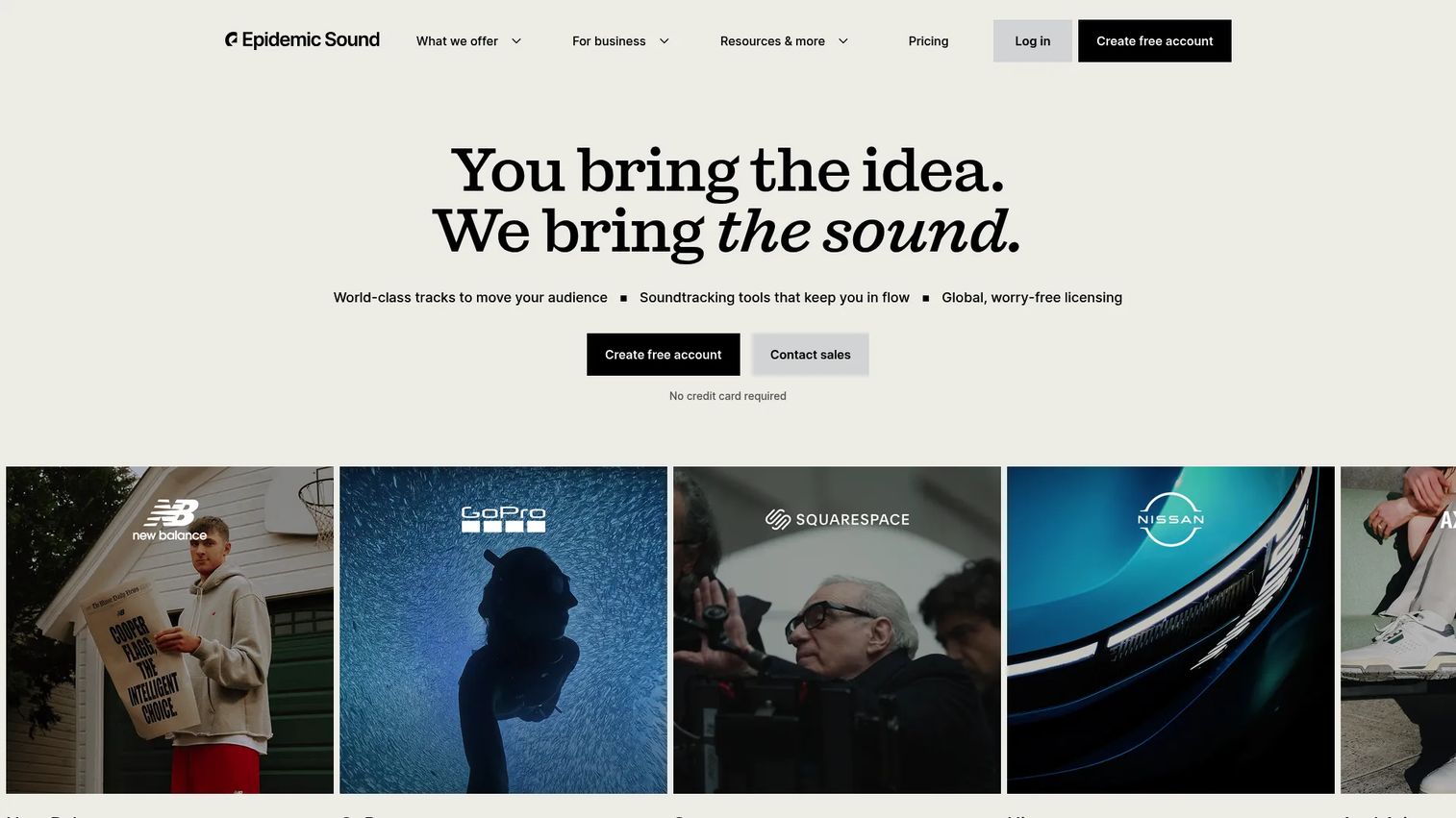
Epidemic Sound is a royalty-free music and sound effects subscription platform built for creators and businesses producing content for digital channels. Unlike general stock media libraries, it focuses entirely on audio: Music tracks, sound effects, and AI-powered voiceovers and track adaptations. Licensing covers social media, podcasts, websites, YouTube, and digital ads under each subscription tier.
Best for: Creators and marketing teams who need a reliable audio library for video content, podcasts, and digital campaigns.
Key strengths
- Unlimited music and sound effects downloads: Across all subscription tiers
- Commercial-use licensing: Covers social, podcasts, YouTube, and digital ads
- AI voiceovers and track adaptations: Built into the platform
- Track splitting: Separate stems for custom mixing
- Mood and genre filtering: Fast search for campaign-relevant audio
Why choose Epidemic Sound: Epidemic Sound is the right pick when audio is a consistent production need, not an afterthought. If you're regularly producing YouTube ads, branded video, or podcast content, a dedicated music subscription is cleaner than adding audio packs to a general stock platform.
Epidemic Sound pricing: The Creator plan starts at $9.99/month (billed at $119.88/year). Pro is $16.99/month ($203.88/year), and Business is $30/month ($360/year). A Pro Plus tier with custom pricing is available for larger teams.
Epidemic Sound holds a 4.3/5 rating on G2.
6. Getty Images
Getty Images is a premium stock media platform offering licensed photos, illustrations, vectors, video, and editorial content. It's the platform most associated with high-recognition commercial and editorial imagery, and it also provides custom content services and rights-and-clearance support for more complex licensing needs. UltraPacks allow mixed-format downloads across image and video.
Best for: Teams and agencies that need premium, rights-managed imagery for high-stakes commercial campaigns or editorial publication.
Key strengths
- Premium editorial and commercial library: Recognizable, high-quality imagery
- Rights-managed and royalty-free options: Depending on use case requirements
- UltraPacks: Mixed image and video download bundles
- Custom content services: Commissioned shoots and clearance support
- Enterprise licensing: Tailored rights agreements for large-scale use
Why choose Getty Images: Getty Images is the right call when image quality and rights clarity matter more than download volume. Agencies producing brand campaigns for major clients, or editorial teams publishing in regulated contexts, will find the rights-managed options worth the premium.
Getty Images pricing: Single-image downloads are priced per size: Small images at $175, medium at $375, and large at $499. Pack and enterprise pricing is available through their sales team for teams with higher volume needs.
Getty Images holds a 3.5/5 rating on G2.
7. Pexels
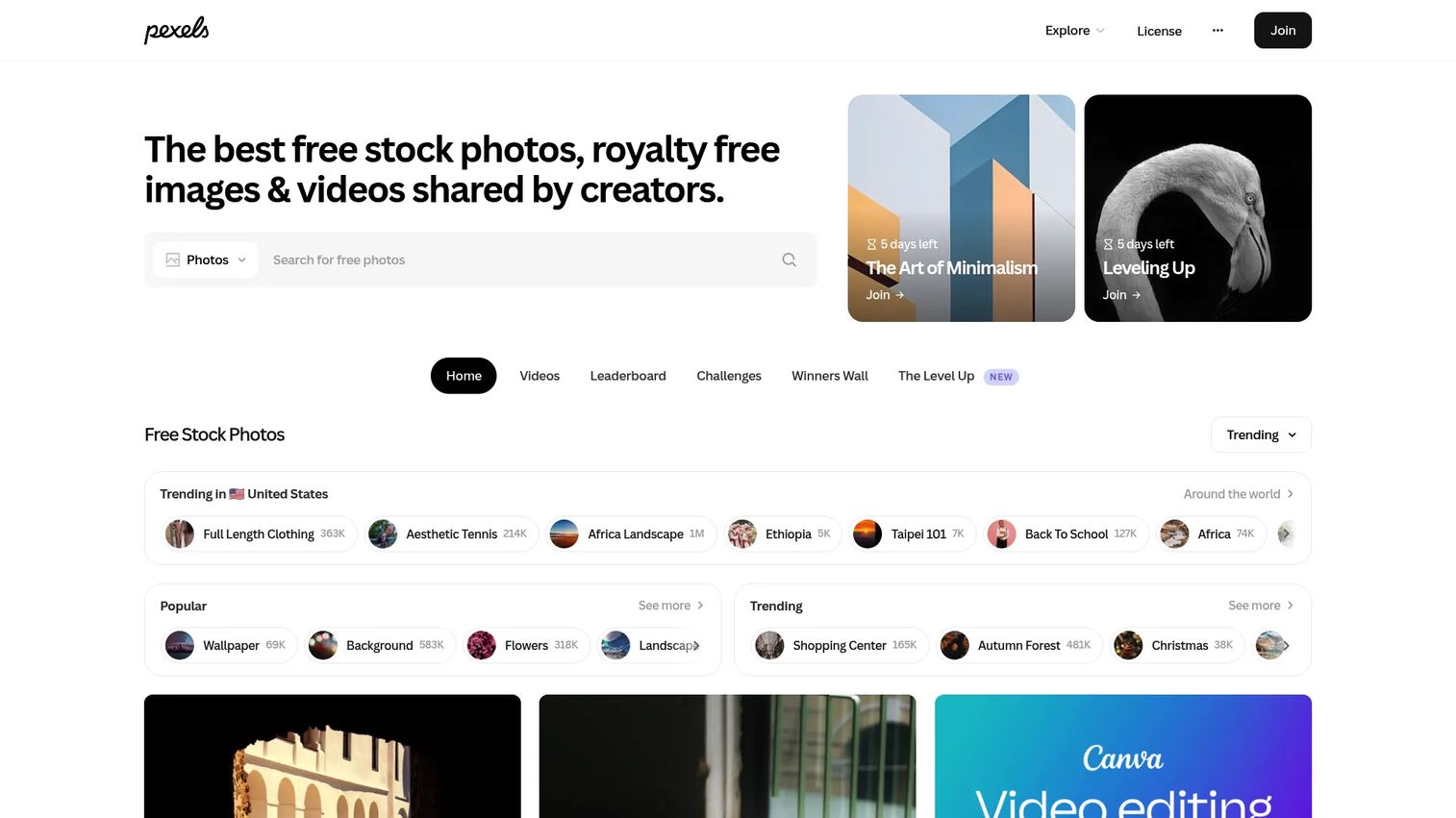
Pexels is a free stock photo and video platform that allows commercial use of its assets at no cost. No subscription is required for basic downloads, and the platform also offers API access, browser plugins, and app integrations. The library is contributed by photographers and videographers who share their work under the Pexels license.
Best for: Teams and solo marketers who need free stock visuals for low-budget campaigns, internal content, or early-stage creative work.
Key strengths
- Completely free: No subscription, no per-download fees
- Commercial use permitted: Under the Pexels license for most use cases
- API access: For teams building asset pipelines programmatically
- Browser plugins and apps: Direct access inside common tools
- No sign-up required: Download immediately for basic use
Why choose Pexels: Pexels is the obvious starting point when budget is the primary constraint. The commercial-use license covers most standard marketing applications. That said, the library is smaller and less curated than paid platforms, so it works best for content that doesn't require a specific visual style or brand-matched imagery.
Pexels pricing: Pexels is free to use. No paid tier exists on the platform. Review the Pexels license at pexels.com for specific permitted and restricted uses before applying assets to paid commercial campaigns.
Pexels holds a 4.6/5 rating on G2.
Considerations before buying a stock media subscription
Licensing and commercial rights
Before downloading anything for a paid campaign, confirm whether the license covers your specific use. Royalty-free means you don't pay per use after downloading, but it doesn't automatically cover all placement types. Check whether paid social ads, TV, out-of-home, or resale uses are permitted at your subscription tier. Enhanced licensing typically unlocks broader rights.
Asset breadth and media types
If your campaigns require video, audio, and images, evaluate whether one platform can cover all three or whether you'll need separate subscriptions. Mixing platforms adds cost and administrative overhead. Storyblocks and Shutterstock offer multi-format libraries; Epidemic Sound focuses on audio only.
Search and browsing quality
The value of a stock library depends on how fast you can find something usable. Test the search filters, browse categories, and preview quality before committing. A platform with 50 million assets is only useful if you can find a relevant result in under two minutes.
Pricing model and download volume
Run a quick estimate of your monthly download volume before choosing between a capped subscription and an unlimited plan. If you consistently download more than 20 to 30 assets per month, unlimited plans typically save money. Capped plans or credit packs are more cost-effective for occasional use.
Team access and workflow integration
For teams with multiple users, check whether the plan includes shared seat access, admin controls, and usage tracking. Adobe Stock integrates directly into Creative Cloud apps. Storyblocks offers an Adobe plugin. If your team works primarily in one creative environment, choose a platform that fits inside it rather than sitting alongside it.
Conclusion
The right stock media platform depends on how your team produces content and what you pay for each asset. For high-volume teams that need images, video, and audio under one subscription, Storyblocks is the strongest overall fit. For broad library coverage with flexible purchasing, Shutterstock works well. If your workflow lives in Adobe, the combination of Creative Cloud and Adobe Stock gives you the tightest integration. For audio-specific production, Epidemic Sound is purpose-built. Getty Images is worth the premium when rights clarity and visual quality are non-negotiable. Pexels is the right free starting point when budget is the constraint.
Pick the platform that matches your actual download volume and licensing needs, not the one with the largest raw asset count. Bigger libraries don't help if search is slow or the license doesn't cover your use case.
Once your visual assets are in place, consider how you're putting them to work. Start your journey with Guideflow today!
FAQs
Stock media software is a platform that lets you search, license, and download pre-made photos, videos, audio tracks, and other creative assets for use in marketing, editorial, and commercial projects. Instead of commissioning original content, teams access a licensed library and apply those assets across campaigns and channels. Most platforms offer subscriptions, per-download pricing, or credit packs depending on usage volume.
Stock footage platforms focus on video clips and B-roll you can drop into ads, branded video, and social content. Stock music platforms provide licensed audio tracks and sound effects for video production, podcasts, and digital ads. Stock photos websites offer still images for landing pages, email campaigns, and editorial use. Some platforms, like Storyblocks and Shutterstock, combine all three categories under a single subscription.
No. Royalty-free means you pay a one-time fee (through a subscription or per-download purchase) and don't owe additional royalties each time the asset is used. Free stock media, like what Pexels offers, means no payment at all. Both can be used commercially, but the licensing terms and library quality differ significantly. Always read the specific license terms before using any asset in paid advertising.
Most stock media platforms allow commercial use, but the scope varies by license tier. Standard royalty-free licenses typically cover digital ads, social media, websites, and branded content. Enhanced or extended licenses are usually required for TV broadcast, product packaging, or large-print placements. Before running paid campaigns with stock assets, confirm your license tier covers the specific placement type.
For teams with high download volume across multiple media types, Storyblocks' flat unlimited subscription removes per-asset friction. Shutterstock offers team and enterprise controls with admin-level seat management. Adobe Stock integrates directly into Creative Cloud for teams already on Adobe. The best fit depends on whether your team needs multi-format coverage, Adobe workflow alignment, or a specific media type.
Verify that the license covers your intended use, including paid social ads and any platform-specific restrictions. Estimate your monthly download volume to determine whether an unlimited plan or a capped subscription saves money. Check whether the platform covers all the media types your campaigns require, and test search quality before committing. For team plans, confirm whether seats are shared or individual and whether usage tracking is available.
Not necessarily. If your team downloads fewer than 10 to 15 assets per month, a credit pack or capped subscription often costs less than an unlimited plan. Unlimited plans make financial sense when you're producing content at high frequency across multiple campaigns. Calculate your typical monthly usage before upgrading, and factor in whether your download volume is consistent or seasonal.
Choose a premium platform when you need a specific visual style, brand-matched imagery, or rights-managed content for high-stakes campaigns. Free libraries like Pexels work well for internal content and general-purpose imagery, but their catalogs are smaller and less curated. For paid advertising where image quality and licensing precision matter, a platform like Getty Images or Shutterstock gives you more control and legal clarity.